Truly Unlimited Text to Speech Software for Windows & Mac
Convert Documents to Speech in Bulk. No Queue. No Limits.
No credit card required
Convert entire documents
Unlimited use
Natural-sounding and expressive AI Voices
Available for Windows and macOS
Your Intelligent TTS Software for Desktop
Transform any text into lifelike audio with the most flexible, powerful, and unrestricted TTS experience for Windows and Mac. Whether you’re creating audiobooks, videos, or presentations, TTSFree AI handles it all.
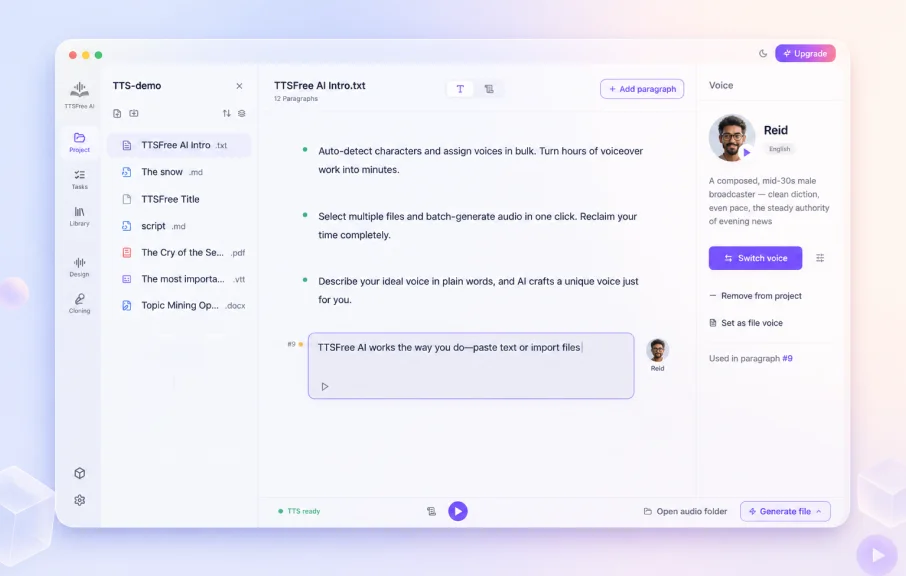
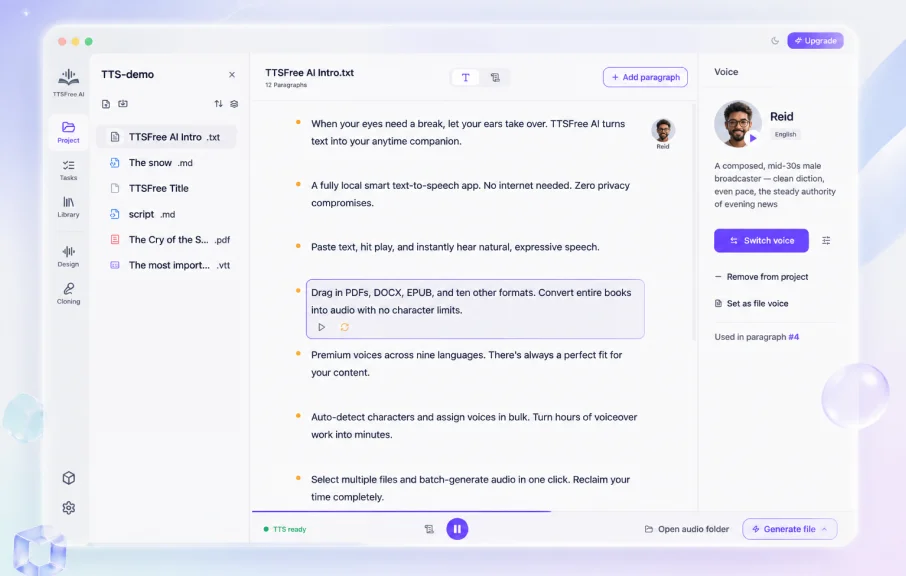
Paste or Import Text Instantly
Start your text to audio conversion in seconds. Simply paste your content or drag and drop documents like TXT, DOCX, PDF, and more.
PDF · TXT · EPUB · DOCX · PPTX · MD

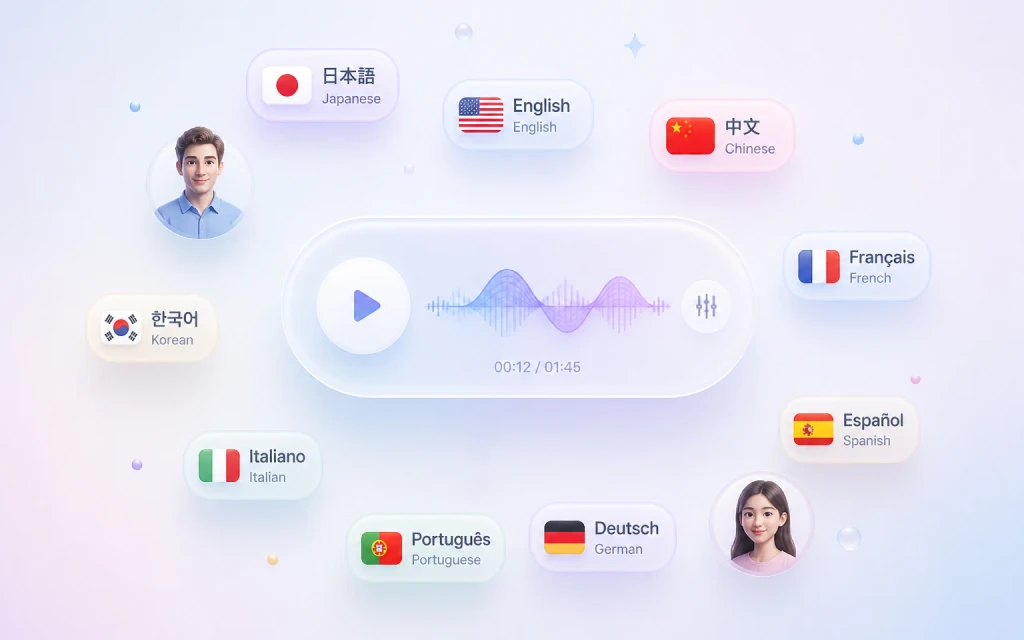
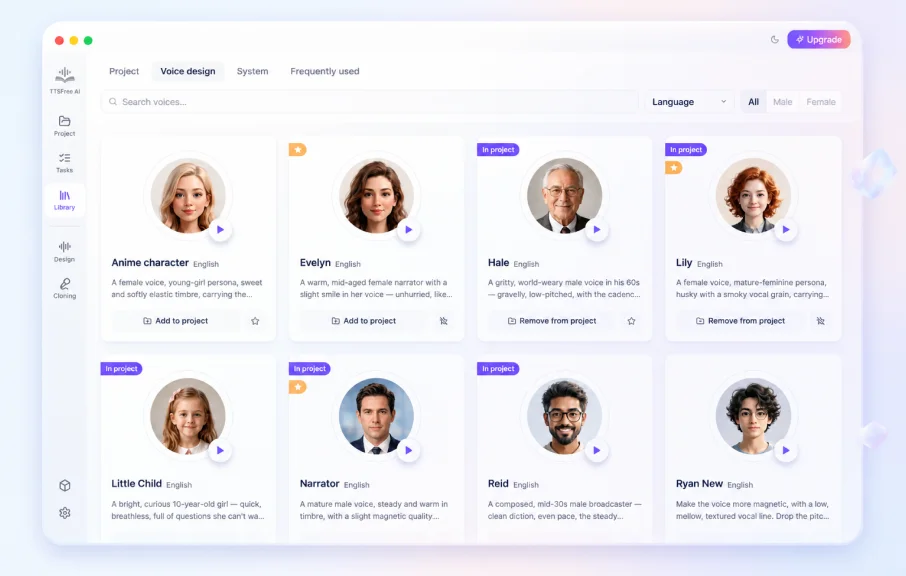
200+ Natural AI Voices Across 50+ Languages
Choose from over 200 human-like text to speech voices in 50+ languages, including English, Chinese, Japanese, Korean, Spanish, French, German, Italian, Portuguese, and more. Perfect for global content, language learners, or multilingual projects.
Built for global content and multilingual projects
Instant Voice Cloning for TTS
Clone your voice and add it to your voice library in seconds. Just read two short sentences, and we’ll create a custom AI voice that sounds exactly like you, ready to use in any project.
Create your own AI voice in seconds
Design Expressive Voices with Precision
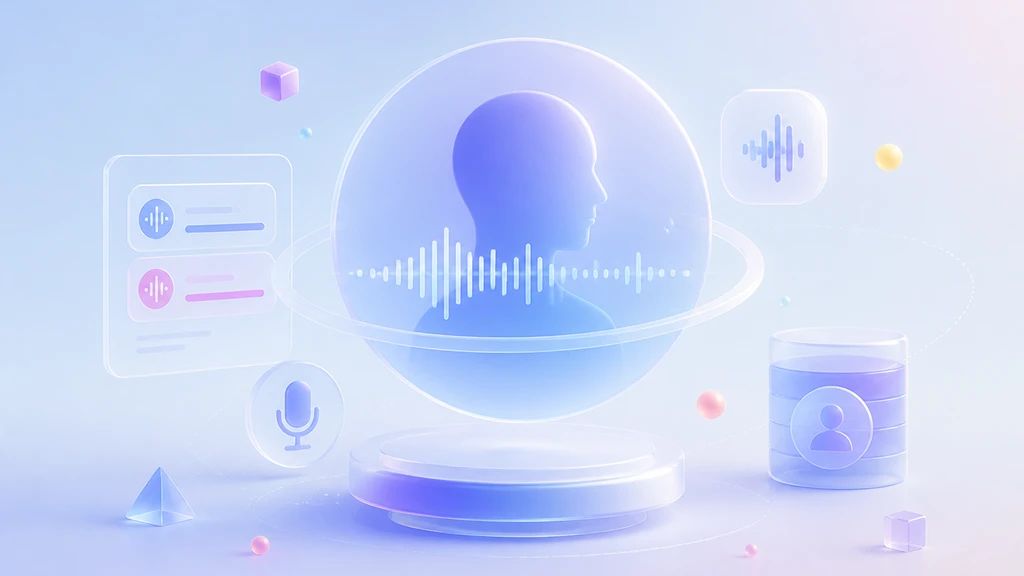
Go beyond preset voices. Create new AI voices from text prompts, or fine-tune built-in voices to perfectly match your needs.
Describe Your Voice in Words
Just type what you want and the AI brings it to life.
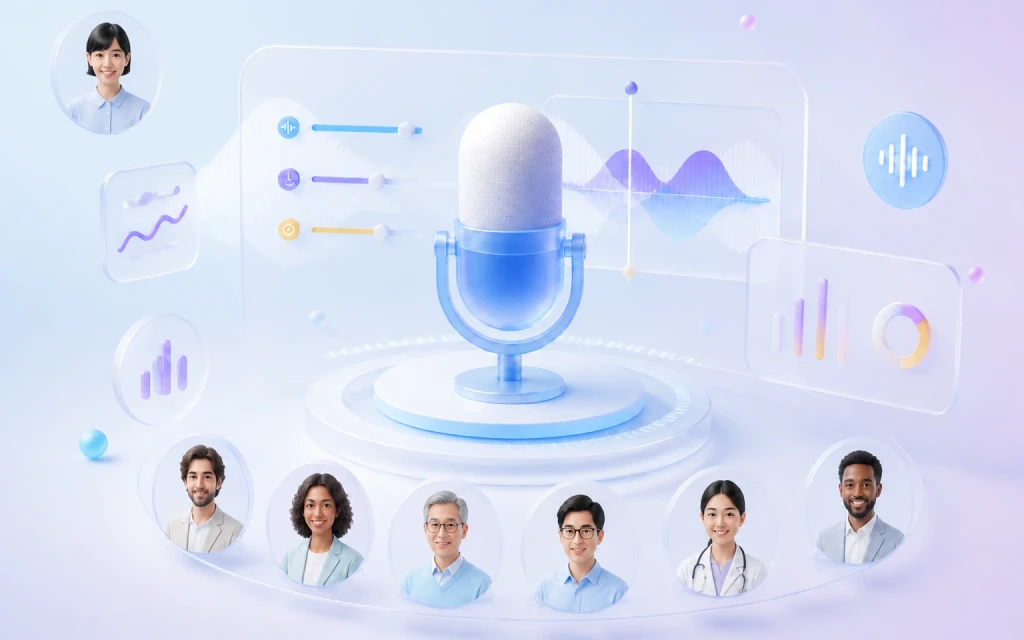
Fine-Tune Any of the Built-in Voices
Adjust them until they sound just right.
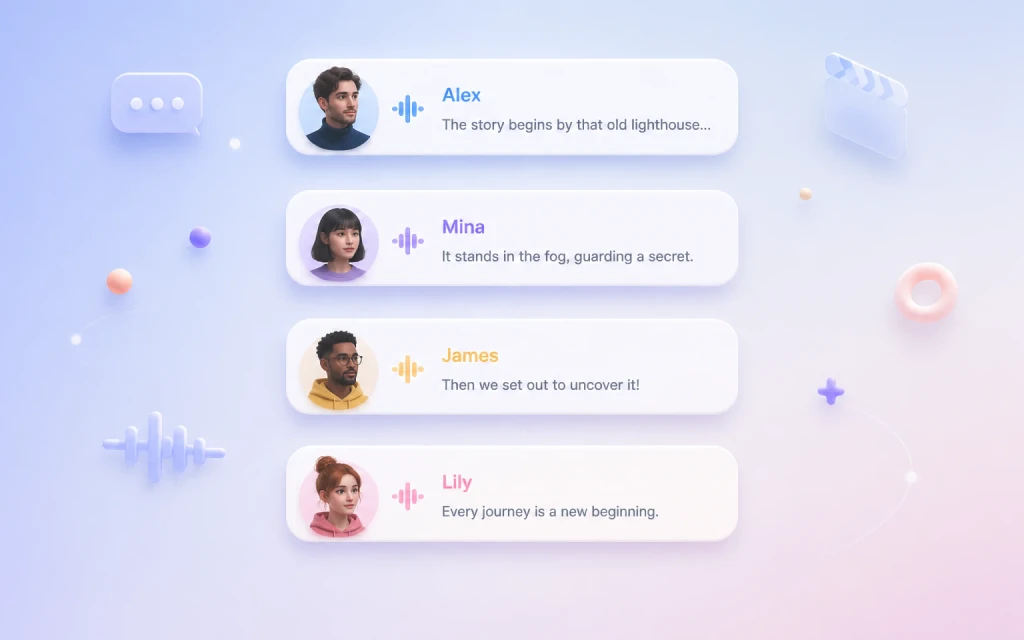
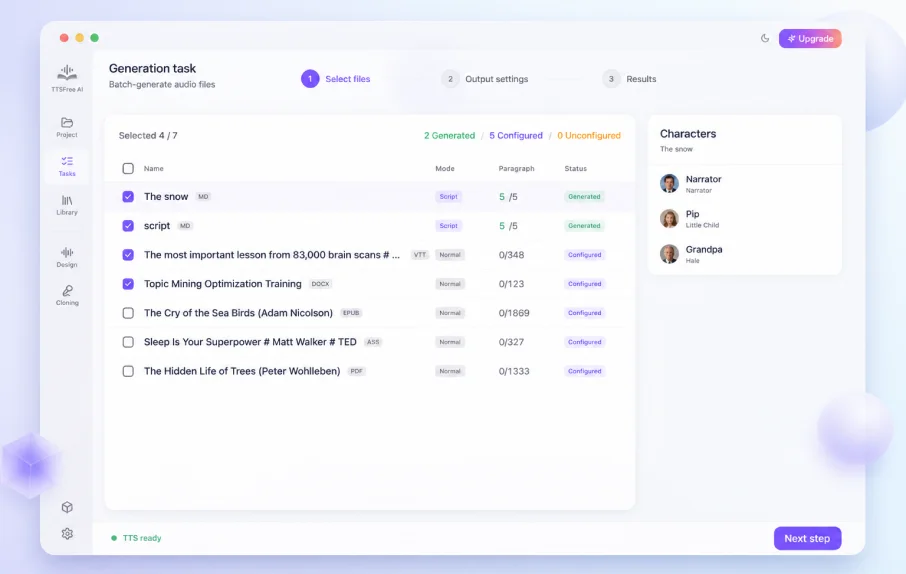
Assign Different Voices to Multiple Characters
Bring scripts to life by giving each speaker a unique voice. With advanced multi-character TTS support, your dialogue sounds natural, expressive, and professionally narrated, ideal for storytelling or drama.
Dialogues · Interviews · Stories · Drama

Flexible Single or Multi-Engine TTS
Enable one or multiple TTS models simultaneously and assign distinct voices from different engines within a single document. Seamlessly combine QWen3-TTS, Kokoro-82M, and native system voices to match each section with the ideal voice, all without switching projects or sacrificing quality.
Smart Script Mode with Auto Speaker Detection
Label characters once in your script, and TTSFree AI automatically applies the right voice to every line. This intelligent text to audio feature saves hours of manual editing while keeping your narration consistent.
Designed for long scripts and repeat roles
Unlimited Text to Speech Conversions
Convert entire novels, reports, or transcripts—with no character limits or conversion caps. Unlike other TTS tools, we give you complete freedom to create as much audio as you need.
No character limits · No daily caps
Export to MP3, WAV & Audiobook Formats
Get studio-quality audio in the format you need. Export as MP3 for sharing, WAV for editing, or M4A/M4B for audiobooks with automatic chapter markers for seamless navigation in Apple Books, VLC, and more.
MP3 · WAV · M4A · M4B
Not Just Speak Words
Why your TTS sounds better
TTSFree AI integrates a range of advanced TTS engines so you can choose the one that best fits your hardware and workflow. Whether you need studio-grade expressiveness, lightweight local processing, or instant offline playback, you are free to use a single engine or combine multiple ones to get exactly the sound you want with no compromises and no guesswork.
QWen3-TTS for Natural Expressiveness
Deliver human-like intonation and emotional nuance for narratives, dialogue, or any content where authenticity matters.
Powered by advanced TTS models
Studio Quality
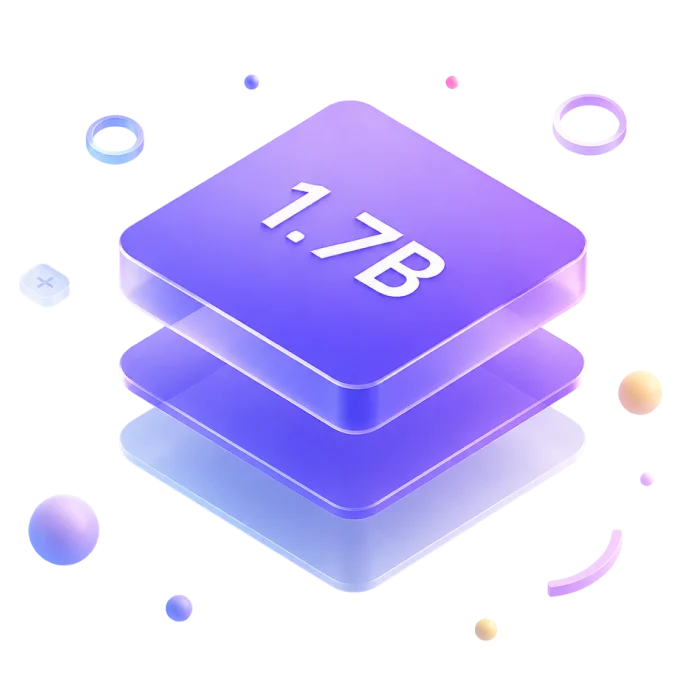
Qwen3-TTS 1.7B
Delivers high-fidelity, expressive speech with natural rhythm and emotional nuance—ideal for professional narration, long-form content, or any use case where voice quality matters most. Best run on a GPU with sufficient VRAM.
High Fidelity
Rich Emotion
Narration Ready
Lightweight & Fast
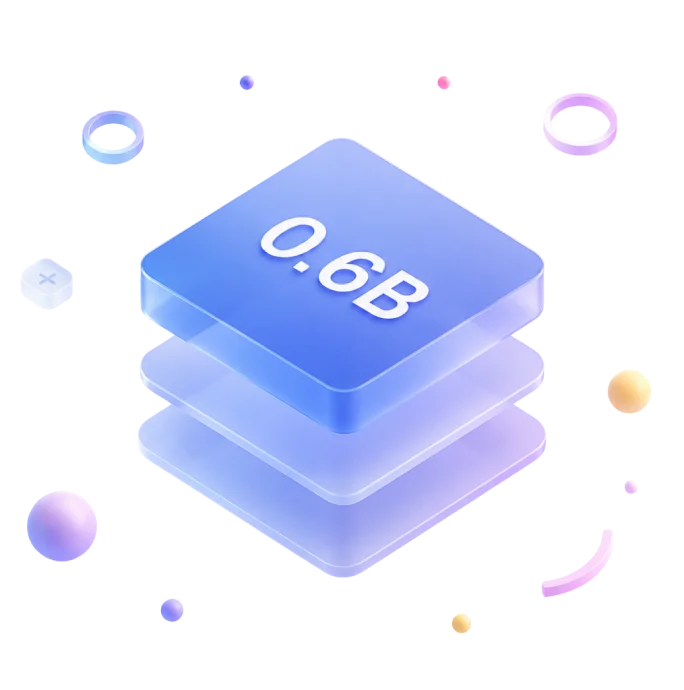
Qwen3-TTS 0.6B
A lightweight yet capable model that maintains clear, consistent speech quality while using minimal resources. Runs smoothly on CPU or low-end GPUs, and works entirely offline once downloaded.
Low Resource
Fast Inference
Offline Ready
What the TTS Models Offer
Voice Identity
Preserves the unique vocal characteristics — accent, timbre, and tone — across all languages and contexts.
Consistent & Recognizable
Multi-language
Seamless in-line multilingual speech with natural transitions and culturally aware expression.
Natural & Fluent
Adaptive Prosody
Understands meaning, then automatically adjusts intonation, rhythm, and emotion for truly human-like delivery.
Smart & Expressive
Kokoro-82M for Lightweight Efficiency
Generate high-quality audio with minimal resource overhead, perfect for rapid prototyping, batch processing, or real-time applications. Despite its compact footprint, it maintains clear articulation and consistent pacing, offering a reliable balance of speed and quality for functional or time-sensitive content.
High-quality speech output
No dedicated GPU required
Optional G2P Dictionaries for Accurate Pronunciation

Instant Output
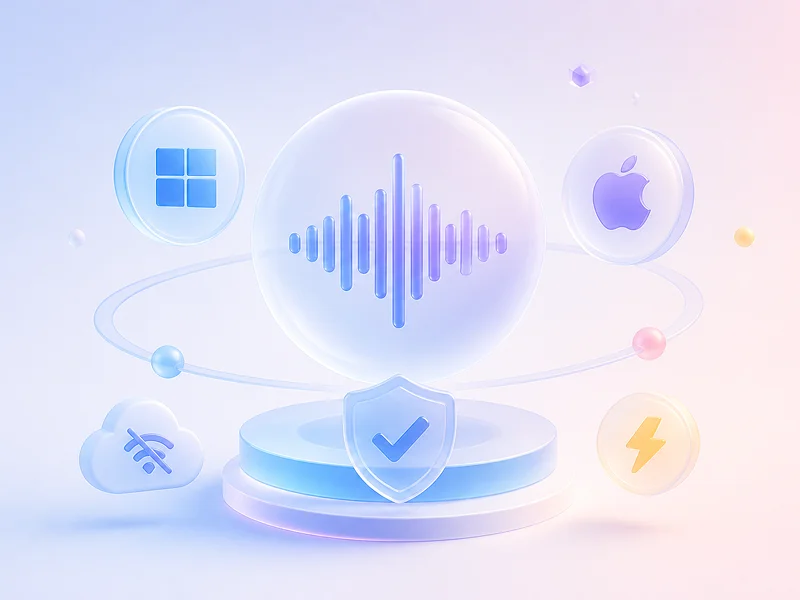
Instant Generation: Built-in TTS Engine for Windows & macOS
Leverage built-in OS voices on Windows & macOS for zero-setup, offline-ready playback with no external dependencies. These voices provide immediate compatibility and stable performance, making them a dependable choice for accessibility features, local testing, or scenarios where simplicity and speed take priority over stylistic customization.
Real-World Applications
Explore How AI Voice Is Being Applied Across Industries
Turn Content into Audio in Seconds
Generate audiobooks, video voiceovers, or podcasts from text—no studio, no recording, just high-quality speech.
Build Truly Accessible Experiences
Help users with visual impairments navigate your app or website using clear, responsive TTS that meets accessibility standards.
Power Smarter Language Learning
Give learners realistic pronunciation models and interactive listening practice—all powered by lifelike synthetic voices.
Bring Games & Virtual Worlds to Life
Dynamically voice NPCs, quests, or avatars with expressive, multilingual speech that adapts in real time.
Local. Fast. No Cloud.
Supported Platforms & Hardware
Fully local, no cloud required. Optimized for CPUs, GPUs, and Apple Silicon across Windows and macOS.
Supported Operating Systems
Windows 10/11
macOS 13+ Ventura or later
Supported Hardware
CPUs: Intel & AMD (x86_64)
GPUs: NVIDIA (CUDA), AMD (ROCm), Intel Arc — for accelerated inference
Apple Silicon: M1 through M4 chips, optimized via Metal
Quick Start
How to Turn Text into Natural-Sounding Speech
Getting realistic, human-like voice output from plain text is easier than you think. Whether you’re building an app, creating content, or just experimenting locally, you can generate expressive, high-quality speech — right on your own device, with no internet required. Here’s how to do it in just a few simple steps.
Frequently Asked Questions
Quick answers to common questions.
Is the 7-day free trial really free? Are there any requirements?
Yes, it’s completely free, no login, no registration, and no credit card needed. Just download the app, and you’ll get access to all features for 7 days.
Is my text or document safe?
Absolutely. The app works entirely offline. You never need to upload your text or files to the cloud. Your data stays on your device, so your privacy is fully protected.
Is there a limit on how much text I can convert?
No. There’s no limit on the number of characters or how many times you convert text, whether you’re in the free trial or using a paid version.
Do I have to wait in a queue when converting text to audio?
No waiting at all. Everything runs offline on your device, so conversion starts instantly. Speed only depends on your text length and device performance—no queues, ever.