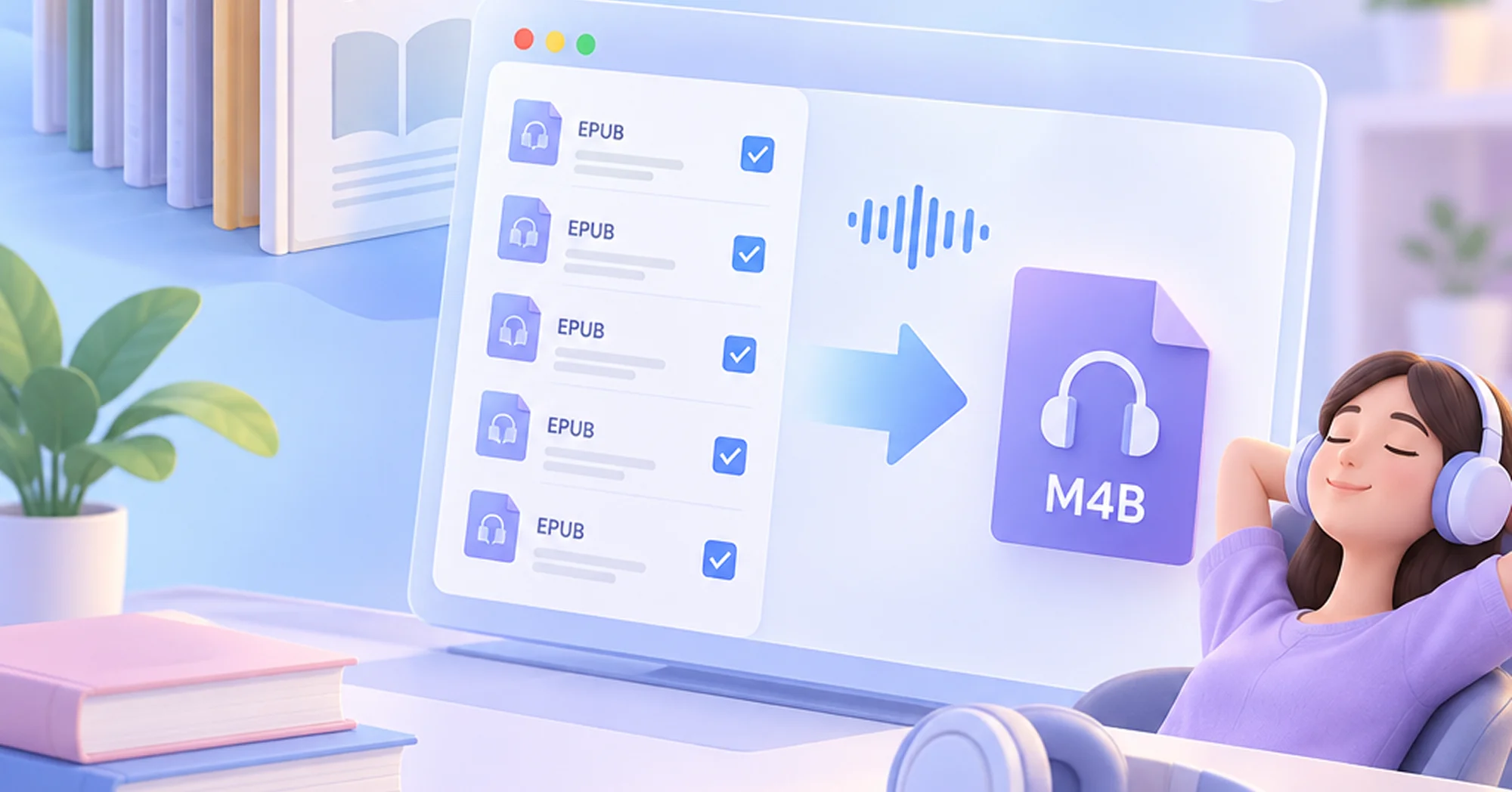
Convert EPUB to M4B Audiobook Efficiently
Turn your digital library into spoken content without the usual bottlenecks. Our text to speech software is built for speed and simplicity.
Real Bulk EPUB to Audio
You can convert a single massive document or batch process multiple ebooks to audio at once. There are absolutely no character limits or file count restrictions, giving you complete freedom to handle entire collections in one click.
Offline TTS with No Queues
Everything runs locally on your machine, which means zero upload times and no waiting in cloud processing lines. Your conversion starts instantly and stays private since your files never leave your device.
Instant Preview and Auto Save
Listen to your converted audiobook right inside the app as soon as processing finishes without waiting for any downloads. The audio file is also saved directly to your computer at the same time so you can open it in your preferred player or transfer it to your device immediately.
200+ Natural-Sounding Voices with Custom Support
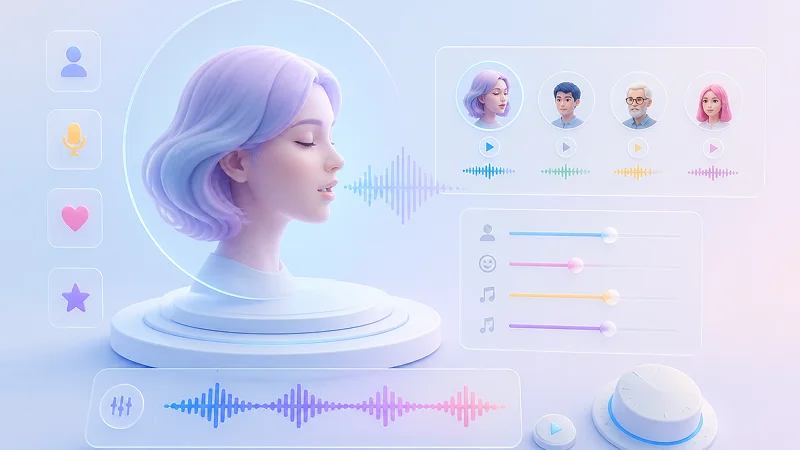
Choose from hundreds of high-quality voices or create your own to match the exact tone and style your audiobook needs.
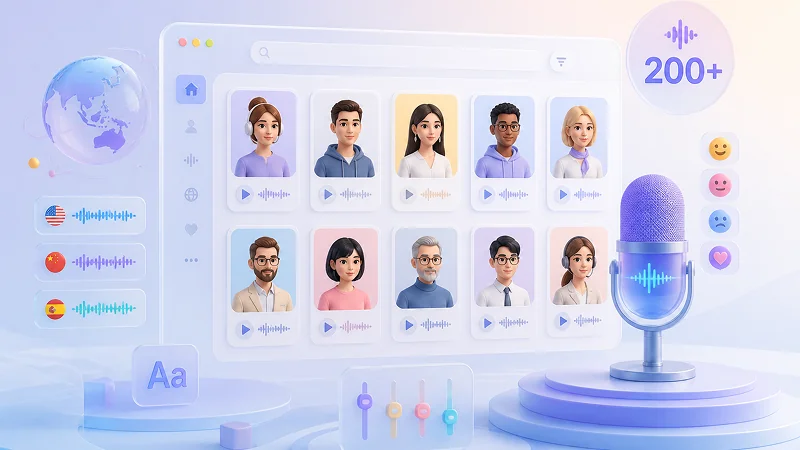
250+ Ready-to-Use Voices
You get more than 200 built-in voices covering dozens of languages and accents, plus another 50+ from the Kokoro TTS model for even more variety. All voices are optimized for natural pacing and clear pronunciation so your audiobooks sound professional without extra editing.
One Sentence Voice Cloning
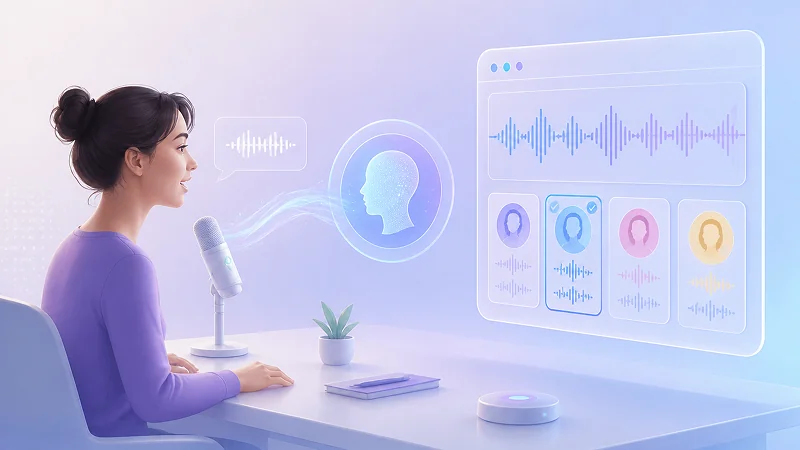
Create a custom voice by recording just a single spoken sentence in any language. The cloned voice works seamlessly across all ten languages supported by QWen3-TTS, so you can narrate multilingual content with the same familiar tone without retraining or uploading hours of audio.
Prompt Based Voice Design
Describe the voice you want using plain text prompts to generate entirely new speakers or adjust our preset voices. You can fine-tune gender, age, emotion, and speaking style to fit different characters or moods, giving you full creative control over how every part of your audiobook sounds.
Multilingual EPUB to Audio for Global Reach
Convert text written in any supported language directly into high quality audiobooks.
🇺🇸
English
🇫🇷
French
🇩🇪
German
🇪🇸
Spanish
🇵🇹
Portuguese
🇨🇳
Chinese
🇰🇷
Korean
🇯🇵
Japanese
🇮🇹
Italian
🌐
More Languages
TTS Engine Matrix
Flexible Multi-Engine TTS Support
Choose the perfect voice for every part of your project by enabling one or multiple TTS engines simultaneously.
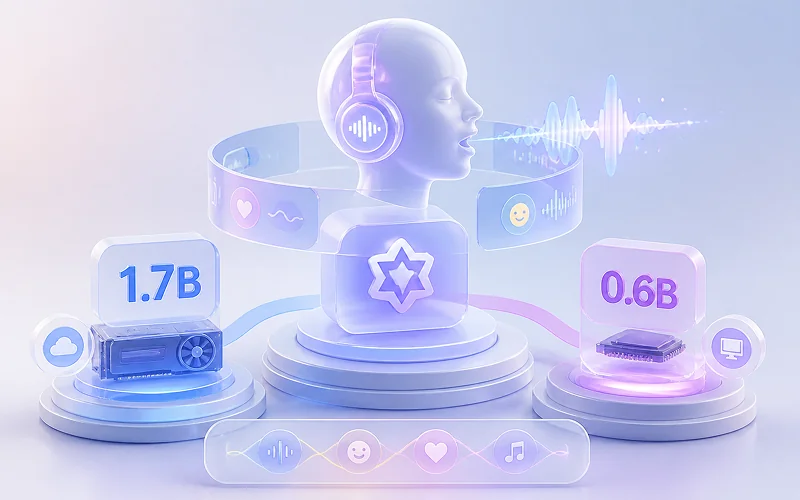
QWen3-TTS for Natural Expressiveness
1.7B / 0.6B Models
Offline Prosody
Select between the 1.7B model for high-fidelity, emotionally rich narration ideal for professional audiobooks and long-form content, or the 0.6B lightweight version that delivers clear, consistent speech with minimal resource usage. Both variants support offline operation and adaptive prosody that automatically adjusts intonation and rhythm based on context, ensuring human-like delivery across all supported languages.
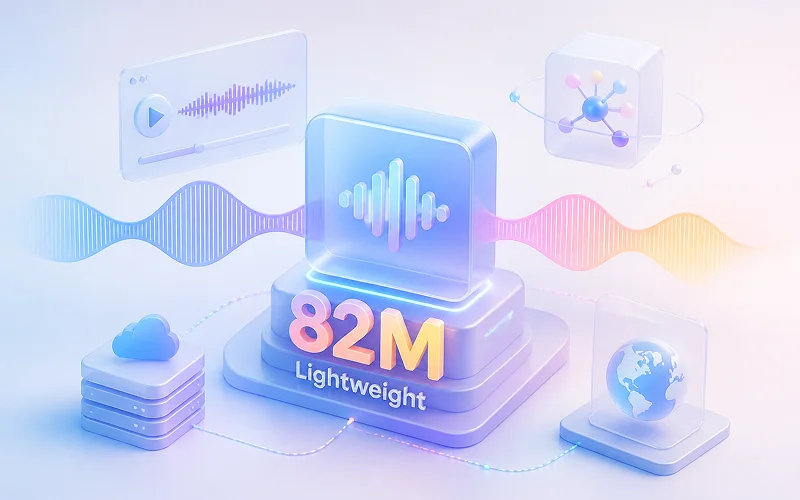
Kokoro-82M for Lightweight Efficiency
82M Compact
Zero GPU Required
Generate high-quality audio with exceptional speed and minimal hardware overhead using this compact 82M parameter model. It requires no dedicated GPU and maintains clear articulation with consistent pacing, making it perfect for rapid prototyping, batch processing, or real-time applications where you need a reliable balance of quality and performance without taxing your system resources.
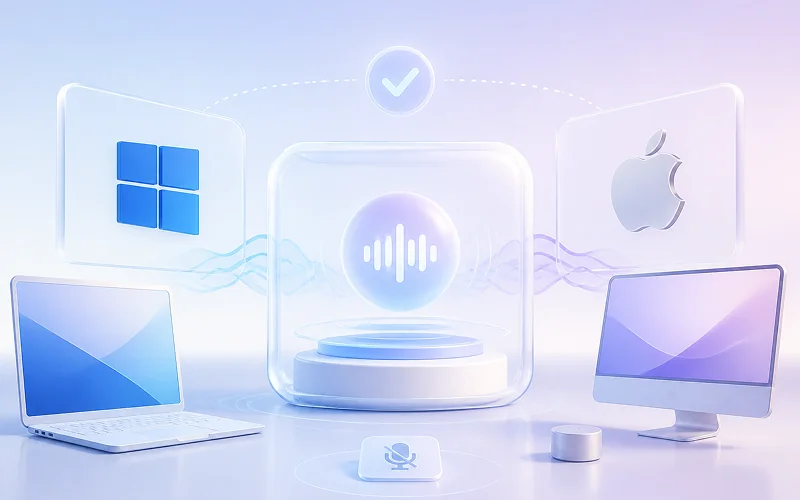
System Built-in TTS Engines for Instant Output
Zero Latency
OS Native
Leverage native Windows and macOS voices for zero-setup, offline-ready playback with no external dependencies or model downloads required. These built-in engines provide immediate compatibility and stable performance for accessibility features, local testing, or any scenario where simplicity and instant availability take priority over stylistic customization, serving as a dependable fallback or complementary option alongside AI models.
Beyond EPUB to Audiobook
TTSFree AI extends far beyond standard EPUB-to-M4B workflows by supporting a wide spectrum of input document types and output audio formats, ensuring you can transform virtually any text source into professional-grade audio without juggling multiple converters or compromising on quality.
Universal Input Compatibility
Import PDF, TXT, HTML, Markdown, and dozens of other text-based formats to generate natural speech.




Flexible Output for Every Destination
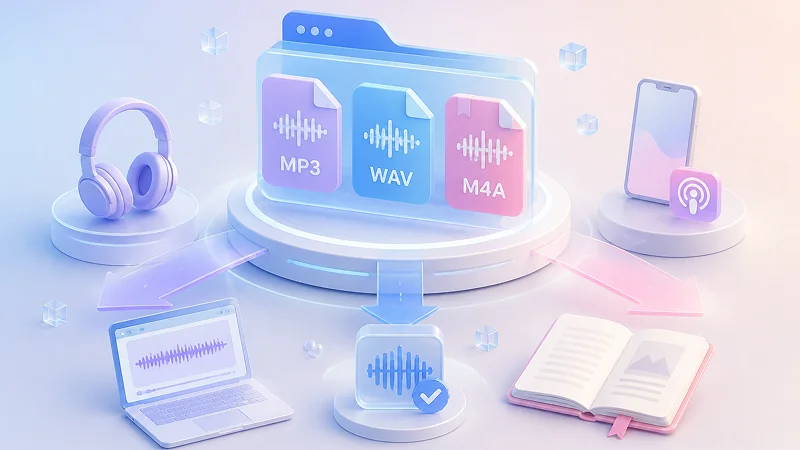
Export your finished audiobooks as M4B for chaptered playback in Apple Books and dedicated apps, MP3 for universal device compatibility and podcast distribution, or WAV for lossless archival and post-production editing.
M4B (Audiobook)
MP3 (Universal)
WAV (Lossless)
Start Converting Your Books to Audio Today
Transform your EPUB to audiobook with complete privacy and zero restrictions. Download the converter now to unlock offline TTS processing, batch workflows, and unlimited conversions on your own device—no accounts, no cloud uploads.
Safe Offline TTS
Bulk Conversion
No Processing Limits
Multi-Format Support
Step-by-Step Guide
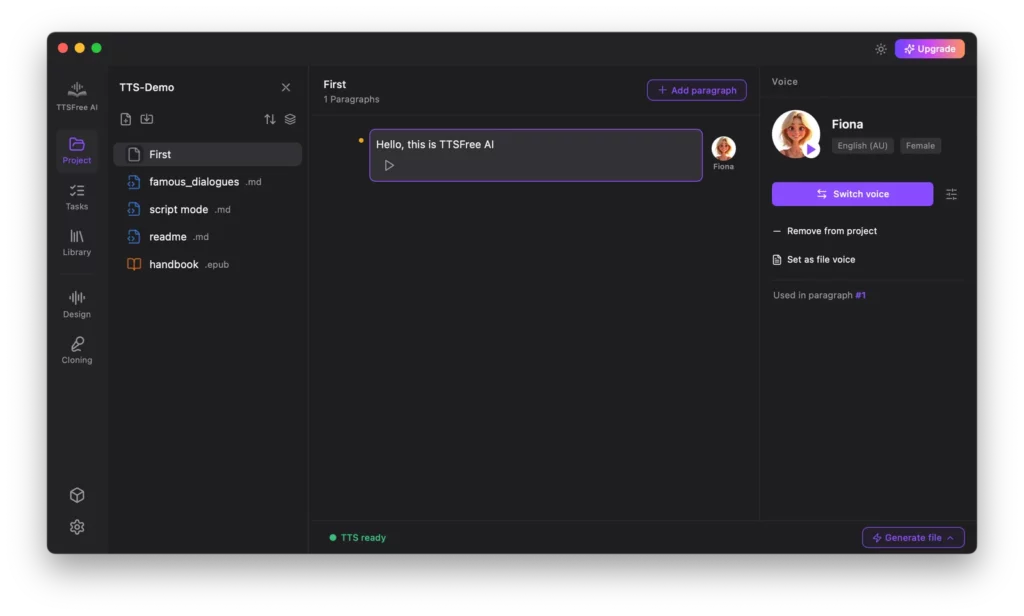
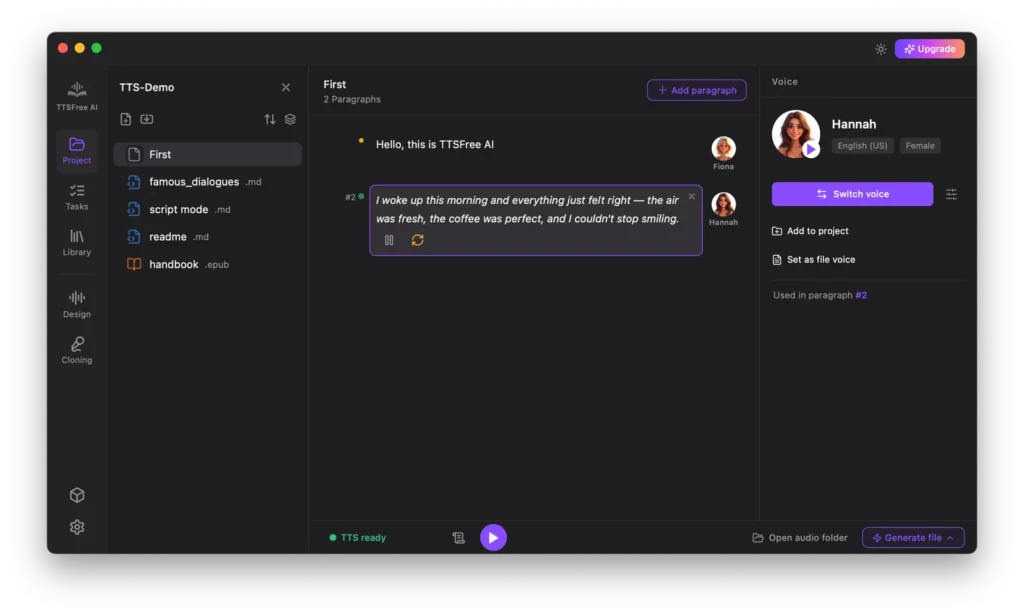
How to Convert Your Text to Audiobook with TTSFree AI
Transforming your written content into high-quality audio is a straightforward, three-step process designed for speed and simplicity.
FAQ
EPUB to Audio FAQs
Find clear, actionable answers to the most common questions about converting ebooks to audiobooks with TTSFree AI.
Can I convert EPUB to MP3?
Yes. While M4B is the recommended format for audiobooks due to native chapter support and metadata embedding, you can select MP3 as your output format in Settings for broader device compatibility.
Can I convert other types of text to audiobook?
Absolutely. In addition to EPUB, TTSFree AI supports PDF, TXT, HTML, DOCX, PPTX, Markdown files, subtitle files, and more.
Do I need an internet connection to convert text to speech?
No, as long as you have already downloaded the TTS engine and your selected voice models. The conversion process itself runs entirely offline on your local device with zero network dependency.
What are the advantages of converting to an audiobook format?
Converting to a dedicated audiobook format like M4B offers significant functional benefits over standard audio files. Unlike MP3, M4B natively supports embedded chapter markers, allowing listeners to navigate directly between sections without manual scrubbing. It also preserves metadata such as title, author, and cover art, ensuring proper library organization across Apple Books, Audible-compatible players, and other audiobook apps. Additionally, audiobook formats enable bookmarking, playback speed adjustment, and sleep timers within supported players—features that transform passive listening into an interactive, user-friendly experience tailored for long-form content consumption.