TTSFree AI
Free Text to MP3 Speech Converter – No Character Limits
Turn TXT, PDF, EPUB and more into natural sounding voices with our free text to speech tool. Paste or import your content and get high-quality MP3 audio instantly with TTSFree AI.

Ella

Ryan

Grace

Victor

Ethan

Chloe

Sophie

Hannah

Ivy

Marcus

Manon

Olivia

Peter

Dipa

Riccardo

David
Supported Formats
Turn Any Text to Speech in MP3
TTSFree AI desktop converter supports all major document and text formats natively, so you can convert your existing files to natural-sounding MP3 audio without pre-converting or copying text manually.
TXT

MD


EPUB
DOCX
PPTX
SRT/VTT/ASS

Script

HTML
Other
Voice Library
Natural AI Voices That Sound Human, Not Robotic
TTSFree AI’s TTS engines don’t just read text – it understands context, tone, and pacing to deliver speech that feels genuinely human.
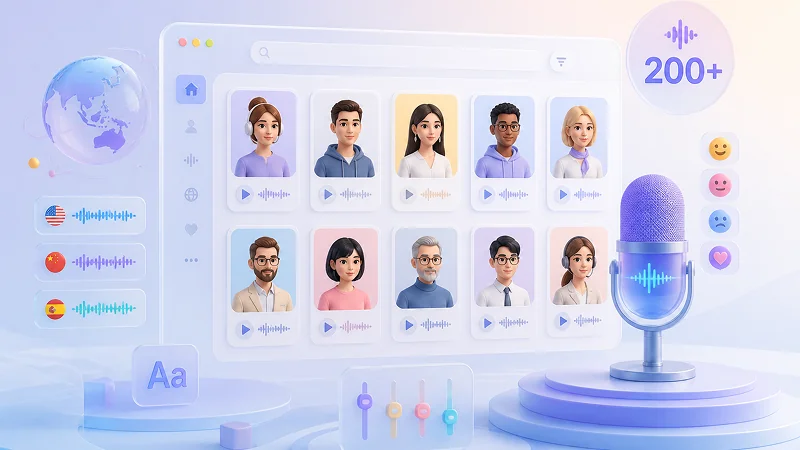
200+ Realistic Built-in AI Voices
Choose from over 200 human-like text-to-speech voices in 10 languages, including English, Chinese, Japanese, Korean, Spanish, French, German, Italian, Portuguese, and more, perfect for global content, language learners, or multilingual projects.
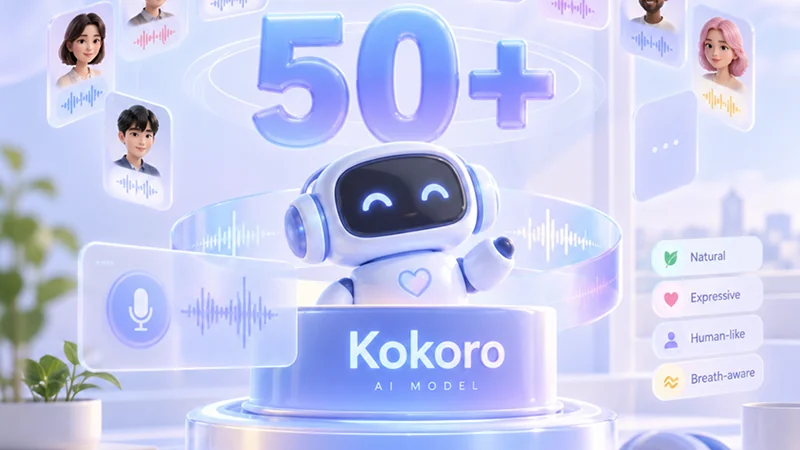
50+ Natural AI Voices Powered by Kokoro
Dedicated natural AI voices exclusive to the Kokoro model, delivering human-like intonation, emotional nuance, and breath-aware pacing distinct from generic system TTS.
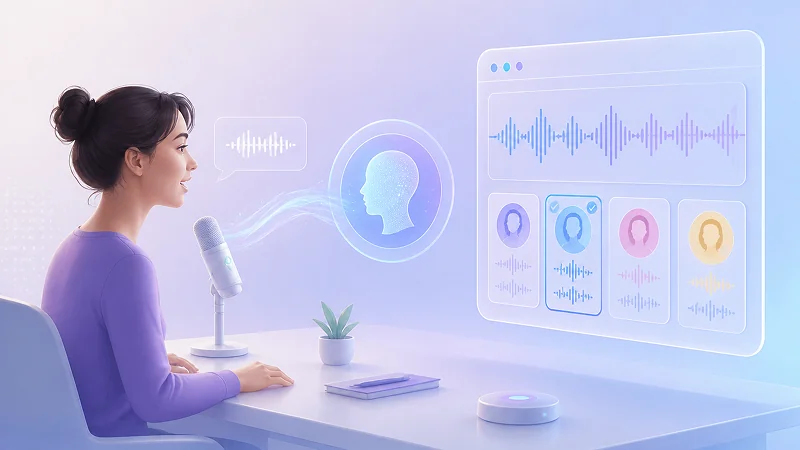
Instant Voice Cloning for TTS
Clone your own voice in seconds by reading one short sentence. The resulting custom AI voice integrates directly into your local voice library and works seamlessly across all 10 languages supported by QWen3-TTS. No matter which language you use for the original recording, your cloned voice will sound remarkably authentic and natural in every supported language.
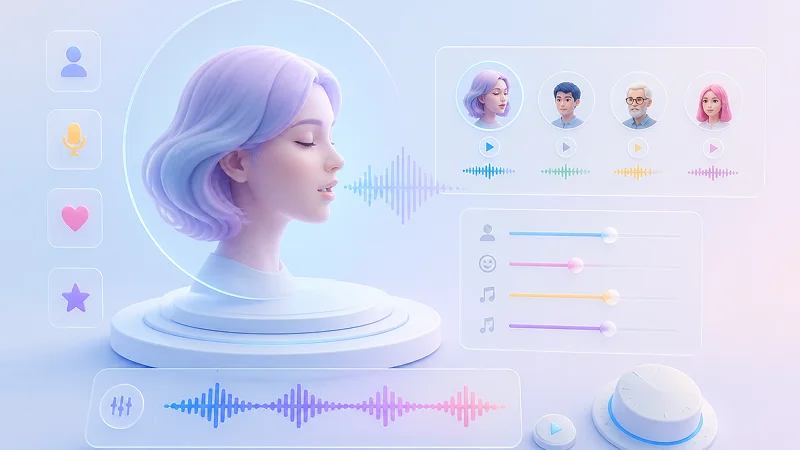
Flexible Voice Design
Create entirely new AI voices by describing your desired characteristics in a text prompt or fine-tune the built-in voices to match your exact needs. You can fully customize gender, emotion, tone, and other attributes to generate unique voices that fit your project perfectly.
TTS Engine Matrix
Multilingual Voices Across Local TTS Engines
Language support is determined by the specific TTS models you enable on your device. You can activate multiple engines at once to broaden your coverage, and each model brings its own distinct set of supported languages for fully offline use.
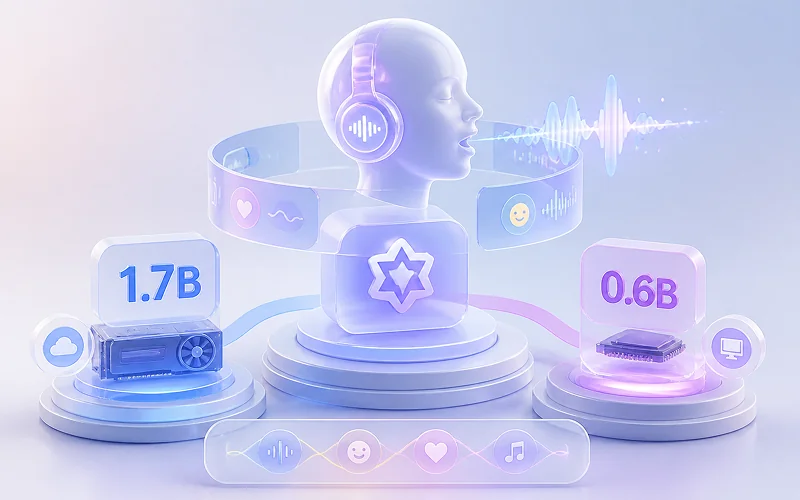
QWen3-TTS (0.6B / 1.7B)
Delivers natural speech in ten languages: Chinese, English, Japanese, Korean, German, French, Russian, Portuguese, Spanish, and Italian.
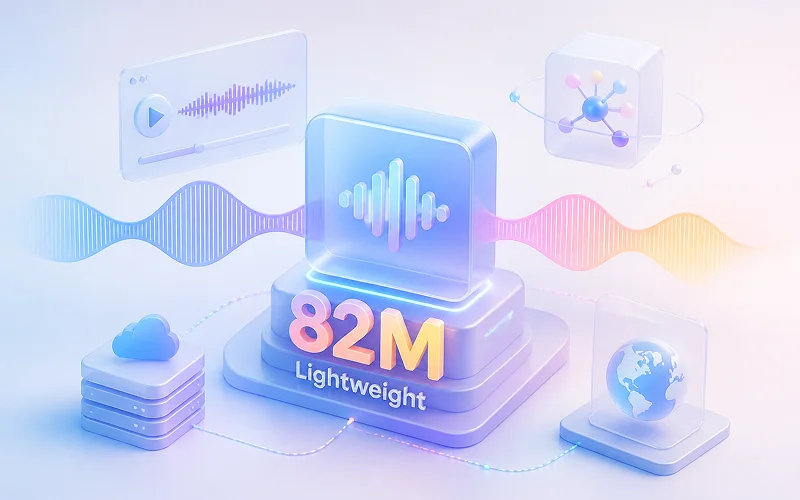
Kokoro-82M
Provides high-quality AI voices for eight languages: English, Chinese, Japanese, French, Spanish, Hindi, Italian, and Portuguese.
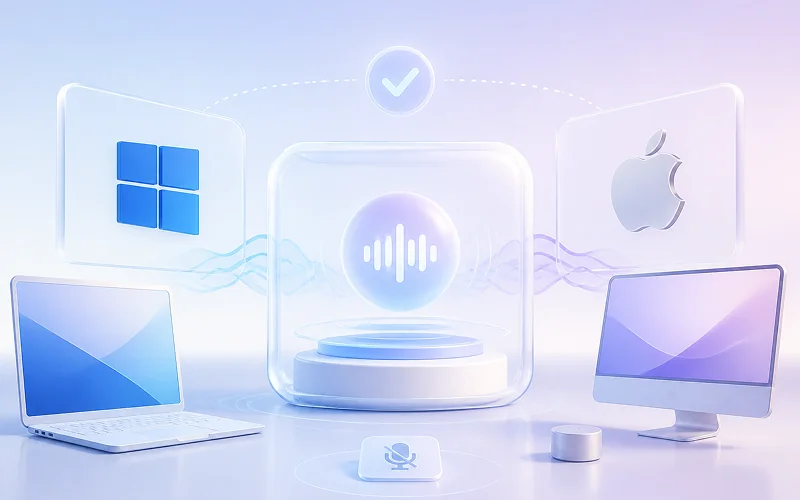
System Built-in TTS Engines
Offers language support that depends on your Windows or macOS configuration and installed system language packs.
Why Choose
Why Choose Our Local Text to Speech Converter
Our platform is built for users who demand privacy, speed, and complete control over their audio production. Every feature is designed to run entirely on your own hardware so you never have to compromise between quality and security.
100% Offline Privacy Protection
All text to MP3 audio processing happens locally on your device with zero data ever leaving your machine. Your scripts, voice clones, and generated audio files remain completely private and secure without any cloud transmission or third-party access.
Unlimited Audio Generation Without Restrictions
Convert as much text as you need without character limits. There are no hidden caps on output length or daily usage so you can produce audiobooks, long-form narration, or batch content freely.
Bulk File Conversion for Efficient Workflows
Process multiple documents or scripts simultaneously instead of converting them one by one. The batch processing system handles queues locally and outputs individual MP3 files for each source document to streamline large-scale audio projects.
Zero Server Queues or Cloud Dependencies
Generate speech instantly without waiting for remote servers or worrying about API downtime. Since every TTS model runs natively on your hardware, you get consistent low-latency performance regardless of internet connectivity or external service availability.
Beyond MP3
Beyond Text to MP3 Conversion
While MP3 remains the universal standard for spoken audio, our local TTS converter extends far beyond basic format support.
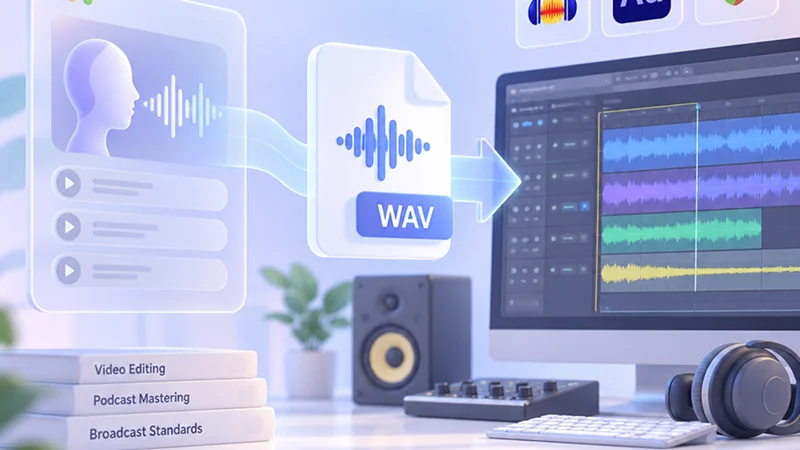
Lossless WAV for Professional Post-Production
Export uncompressed WAV files when you need pristine audio quality for video editing, podcast mastering, or broadcast standards. This lossless format preserves every nuance of the AI-generated voice and provides maximum headroom for downstream processing in DAWs like Audacity, Adobe Audition, or Reaper.
Lossless 48kHzDAW MasteringZero Artifacts
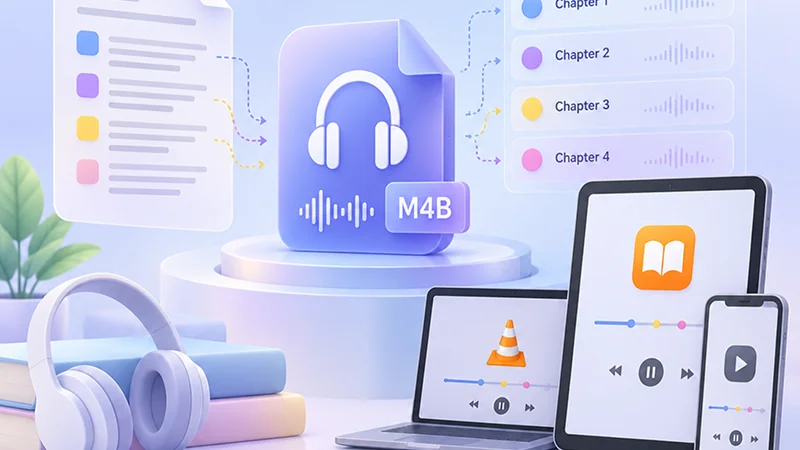
M4A/M4B with Embedded Chapter Markers
Generate audiobook-ready M4B files that automatically include chapter metadata based on your source document structure. Listeners can navigate between sections instantly in Apple Books, VLC, or any compatible player, making this format ideal for serialized content, educational courses, and long-form narration.
Chapter MarkersAudiobook M4BApple Books & VLC
Production Scenarios
Use Cases for TTS: Audio Production Scenarios
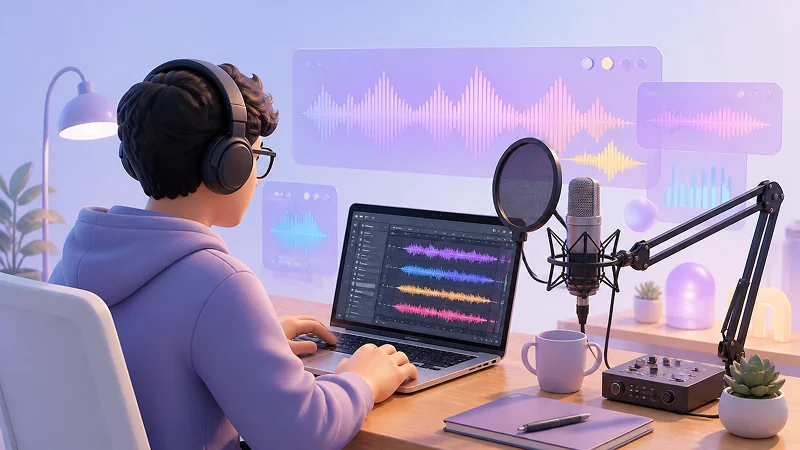
Our text to speech software supports diverse audio production needs with flexible format output. These applications show how multi-format TTS generation improves real-world content creation.
Audiobook Narration
Convert full-length manuscripts into natural M4B audiobooks with chapter indexing and role-specific character voices.
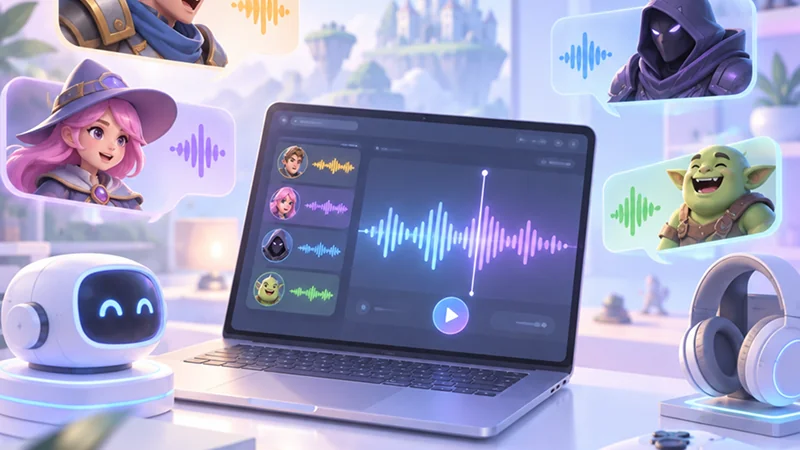
Game Voice Lines
Generate responsive dialogue, NPC chatter, and battle cues locally with ultra-fast offline synthesis and zero API latency.
E-Learning Voiceover
Produce clear, articulate narration for video courses, instructional slideshows, and multilingual corporate training modules.
Podcast & Video Narration
Export studio-grade voice tracks ready to drop directly into YouTube videos, TikTok clips, and podcast post-production DAWs.
Quick Start
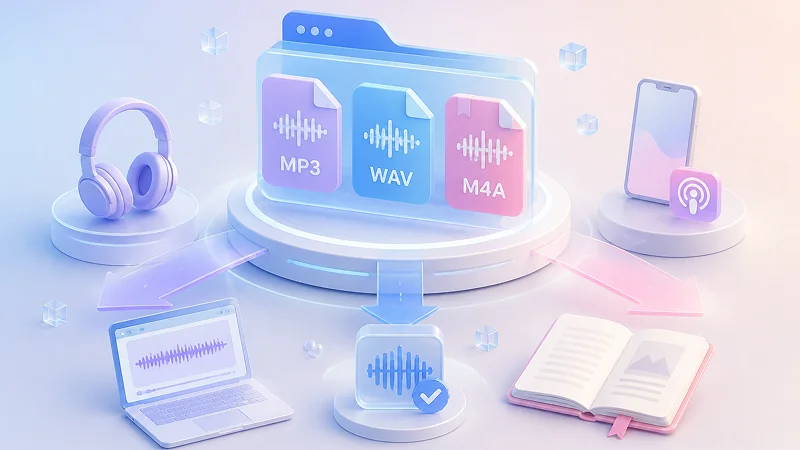
How to Convert Text to MP3 in 4 Steps
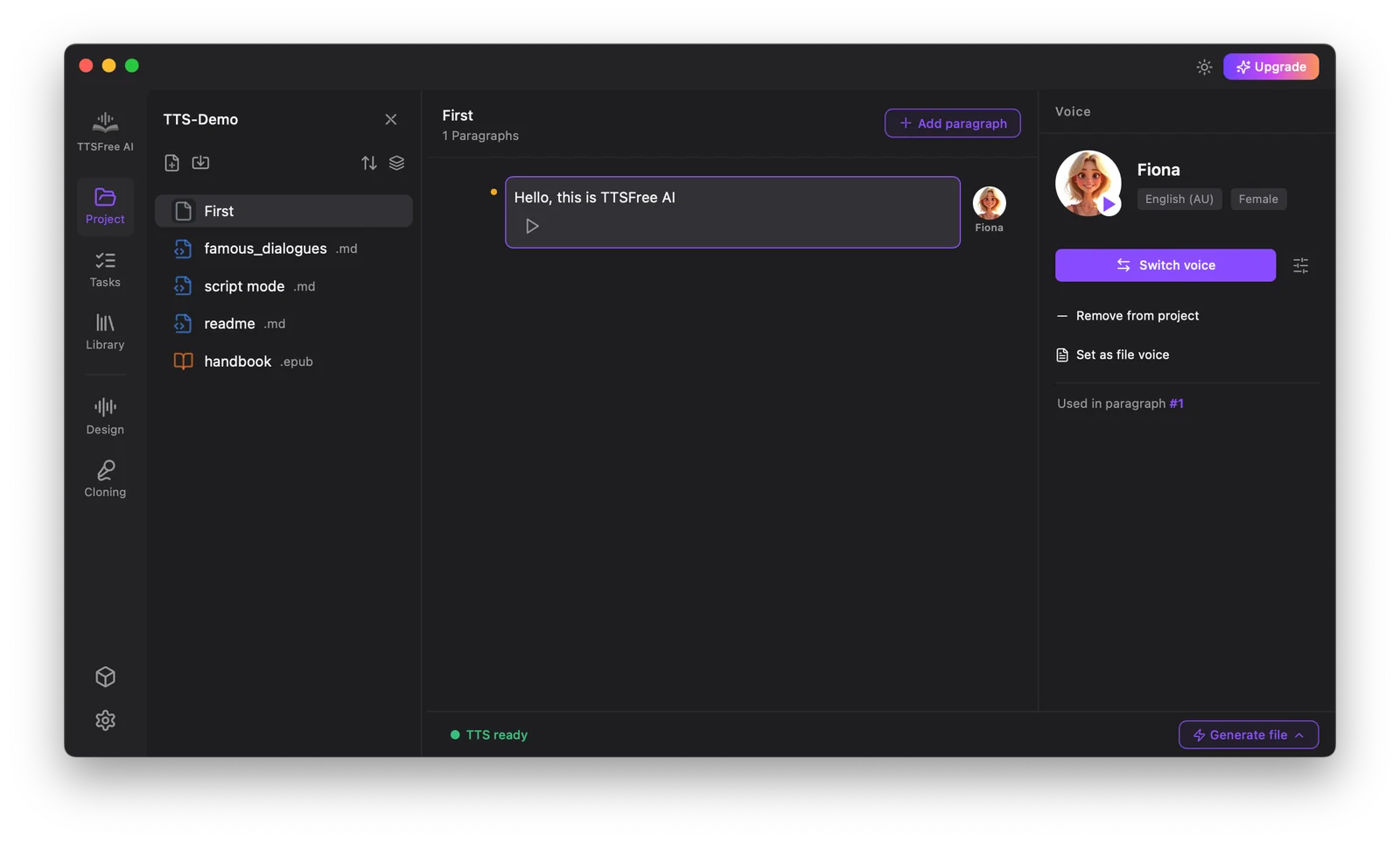
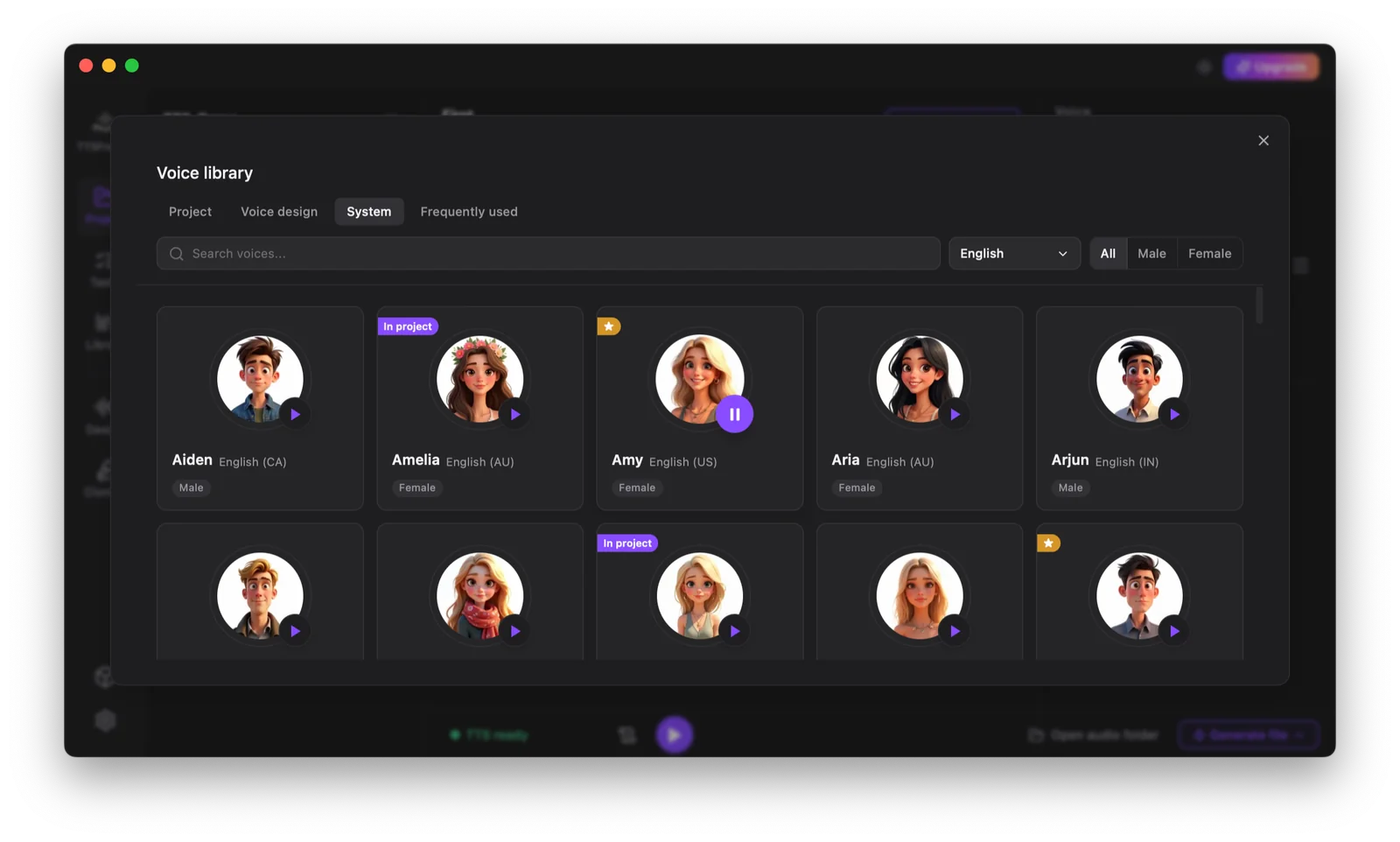
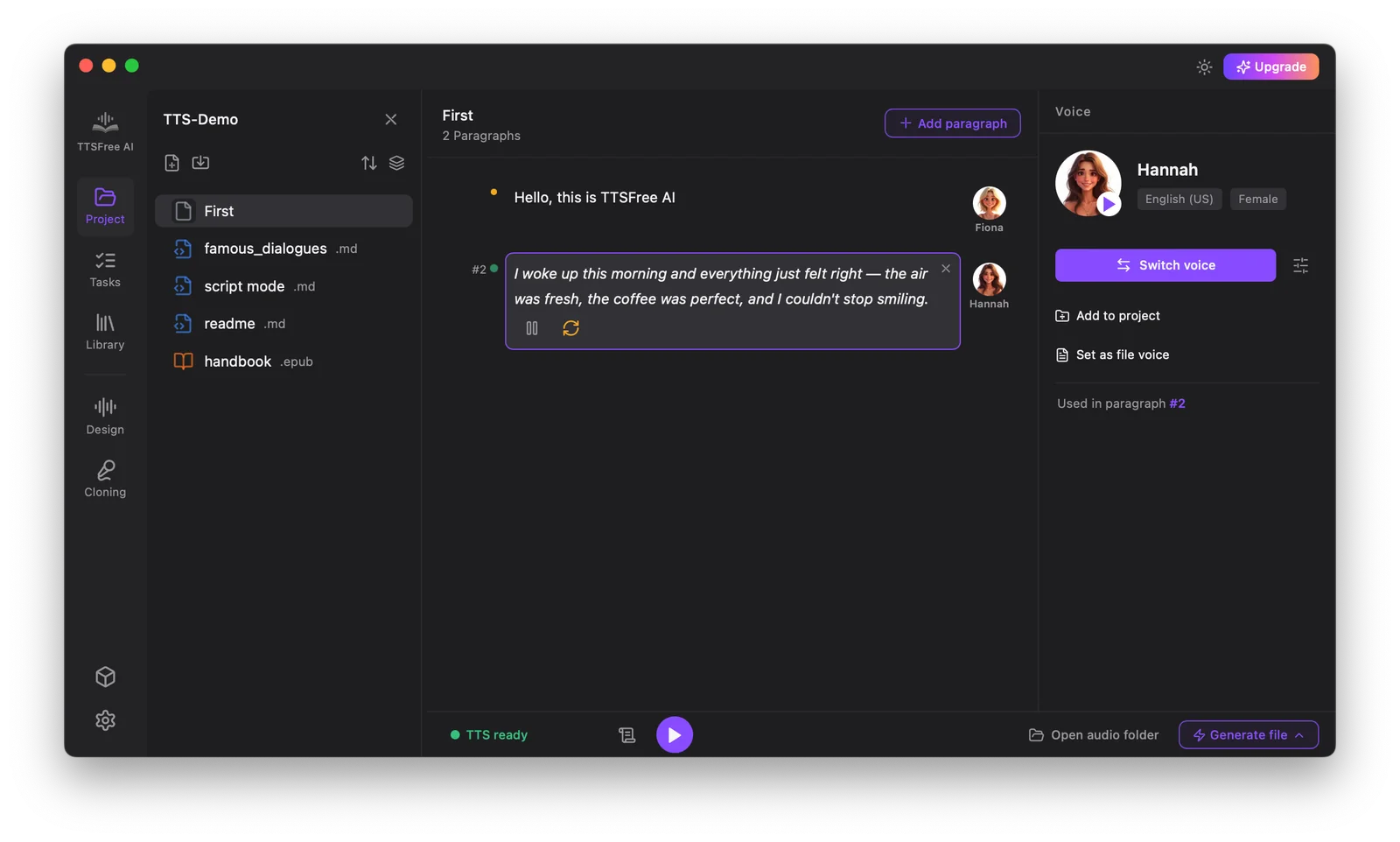
Transform any document into high-quality MP3 audio in just four simple steps.
FAQ
Text to Audio FAQs
Find clear answers to the most common questions about converting text to speech.
What audio formats are supported for export?
The platform supports MP3, WAV, and M4B. You can switch between formats in Settings before generation, and all formats maintain consistent voice quality without additional processing steps.
Can I use multiple AI voices in a single project?
Yes. Assign different voices to individual chapters, sections, or paragraphs within the same document. This is ideal for audiobooks with multiple narrators, e-learning courses with distinct instructor roles, or game scripts requiring character-specific dialogue.
Are there character or file size limits?
No. There are zero character limits, no per-file caps, and no API rate restrictions. Process full-length manuscripts, extensive training libraries, or large localization batches in one session without extra fees or throttling.
How do I regenerate a specific segment without reprocessing the entire file?
Select the paragraph or section you want to update, adjust the voice or text as needed, and click Generate and play. Only that portion is regenerated, preserving the rest of your audio and saving time during revisions.
Is the generated audio royalty-free for commercial use?
All audio generated through the platform is fully licensed for commercial distribution. Use it in published audiobooks, monetized podcasts, paid courses, and shipped games without attribution requirements or recurring royalties.