TTSFree AI for Mac
Free Text to Speech for Mac with TXT, PDF & EPUB Support
Supports TXT, PDF, and EPUB with 200+ natural offline voices. Read anything on your Mac privately, no internet or sign-up required.

Ella

Ryan

Grace

Victor

Ethan

Chloe

Sophie

Hannah

Ivy

Marcus

Manon

Olivia

Peter

Dipa

Riccardo

David
Supported Formats
Bulk Text to Speech for TXT, PDF, EPUB, and More
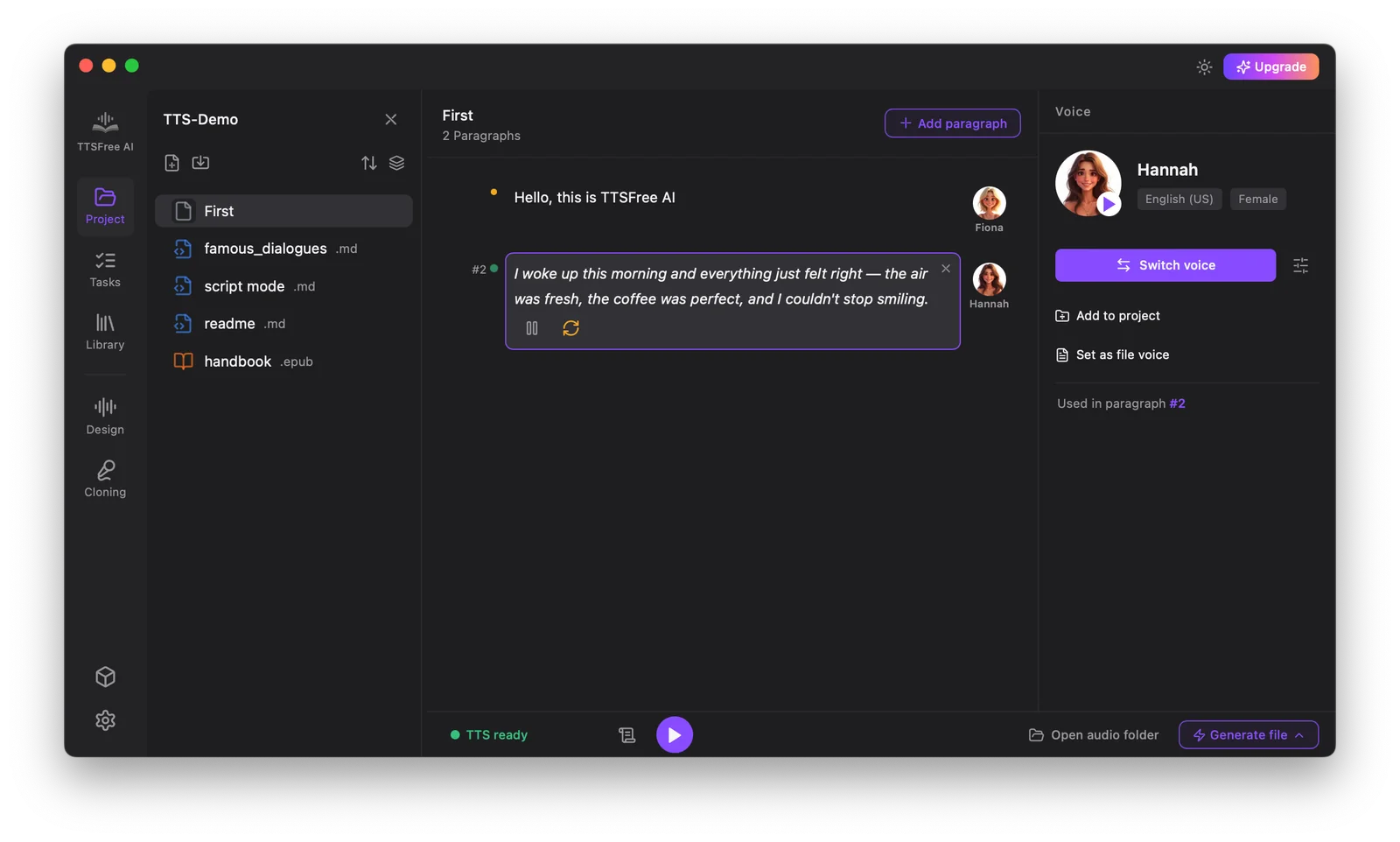
TTSFree AI not only handles plain text but also supports a wide range of files, allowing you to convert your entire document to audio so that you can easily make audiobooks, podcasts, and more.

Plain Text

TXT


EPUB

DOCX

PPTX

HTML

MD

Subtitles

Script
Voice Library
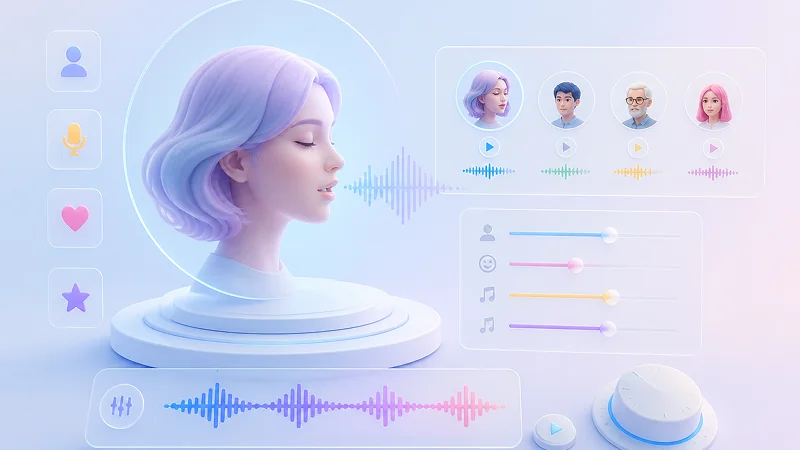
Rich Natural AI Voice Library & Customizable AI Voices
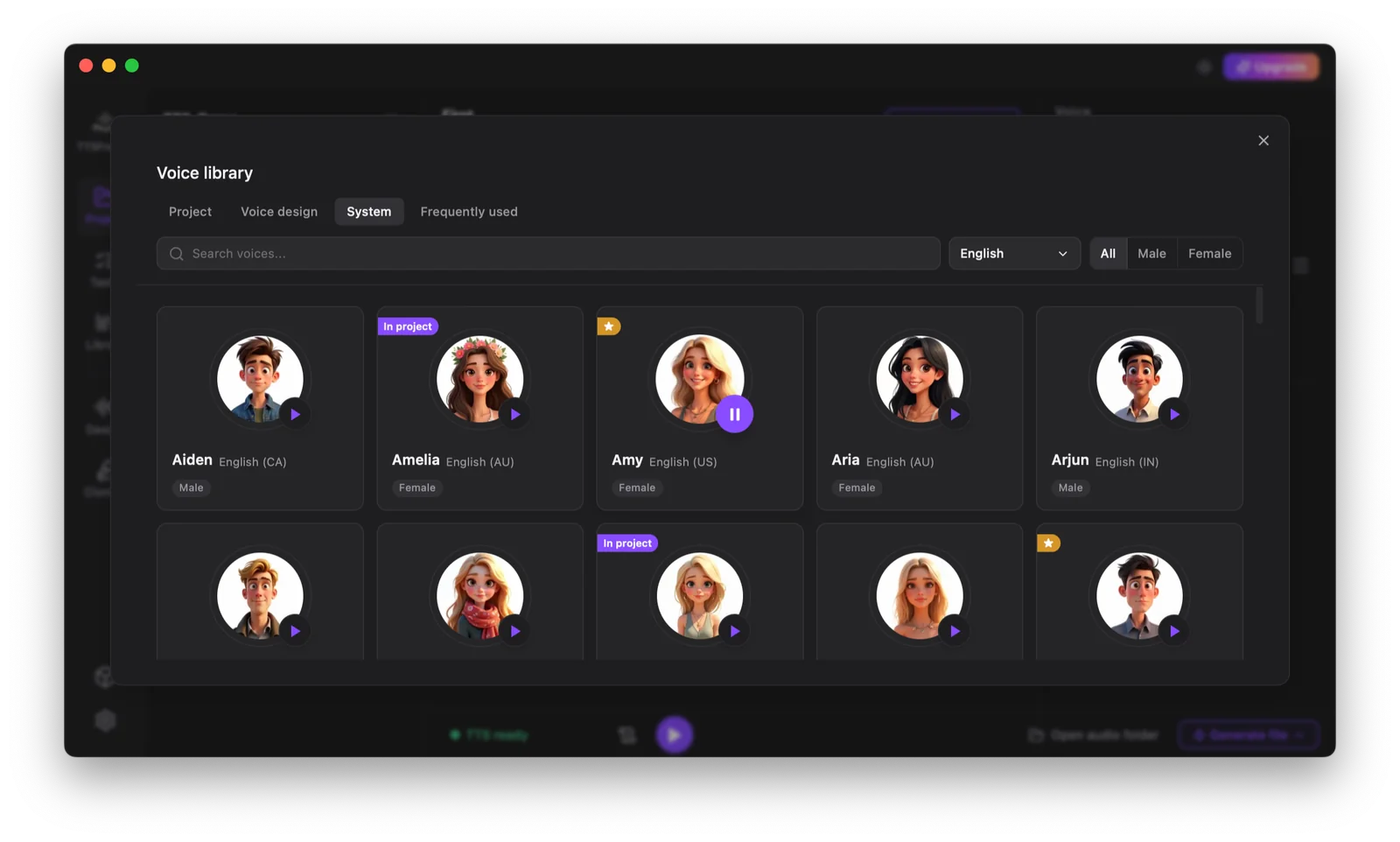
You can use any of the realistic AI voices built in or from our TTS engines. You can also customize AI voices that best suit your needs with voice cloning or voice design.
200+ Built-in Voice Library
Choose from over 200 of ultra-realistic AI voices across multiple languages, accents, and emotional tones. Every voice is engineered to capture natural intonation, breath pauses, and contextual expression so your audio sounds human, not synthetic, right out of the box.
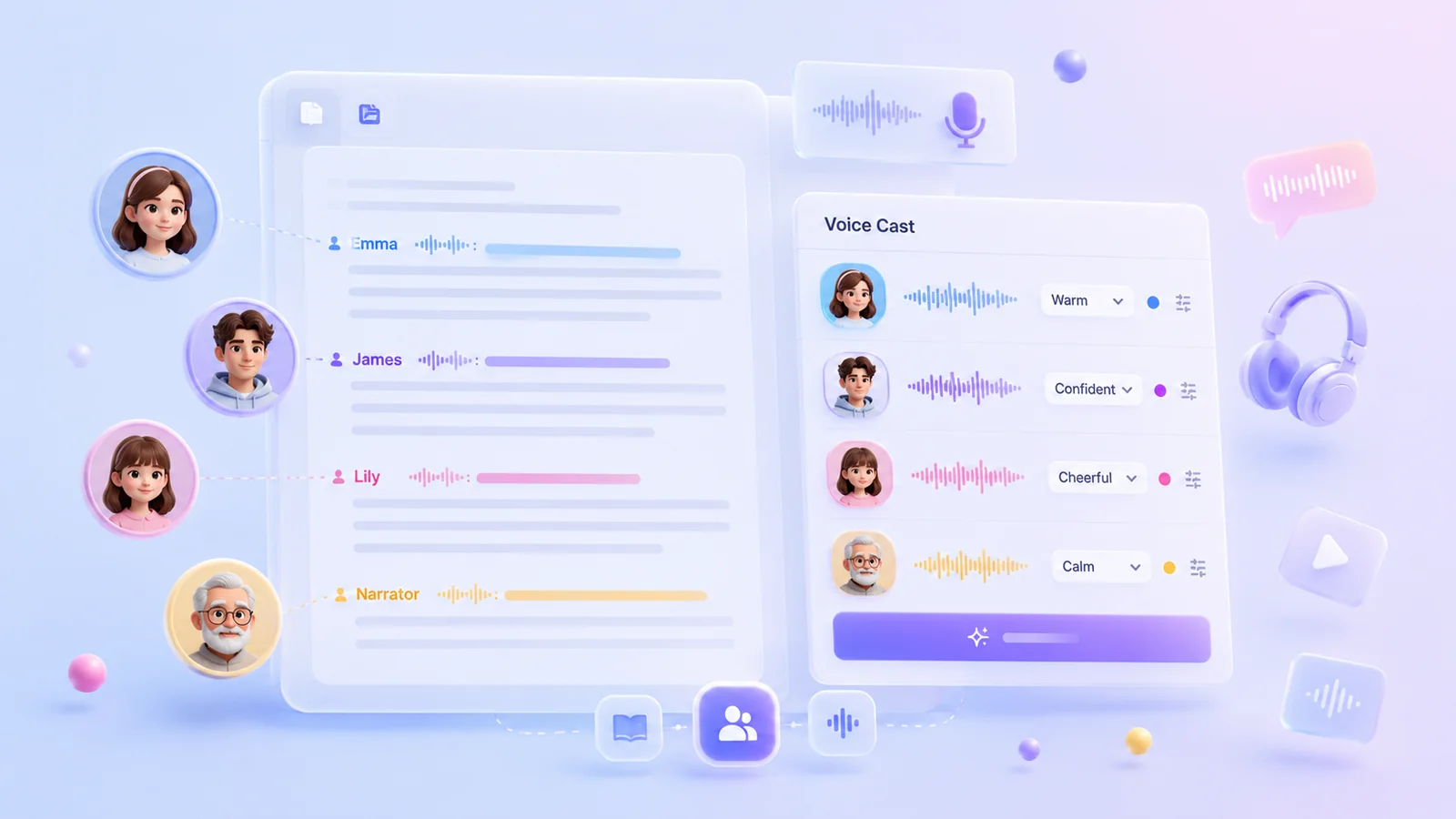
Instant Voice Cloning
Read a short text to create a custom AI voice that mirrors your unique tone and personality. This method ensures consistent audio quality for maintaining brand identity or personalizing content at scale without requiring any pre-recorded samples.
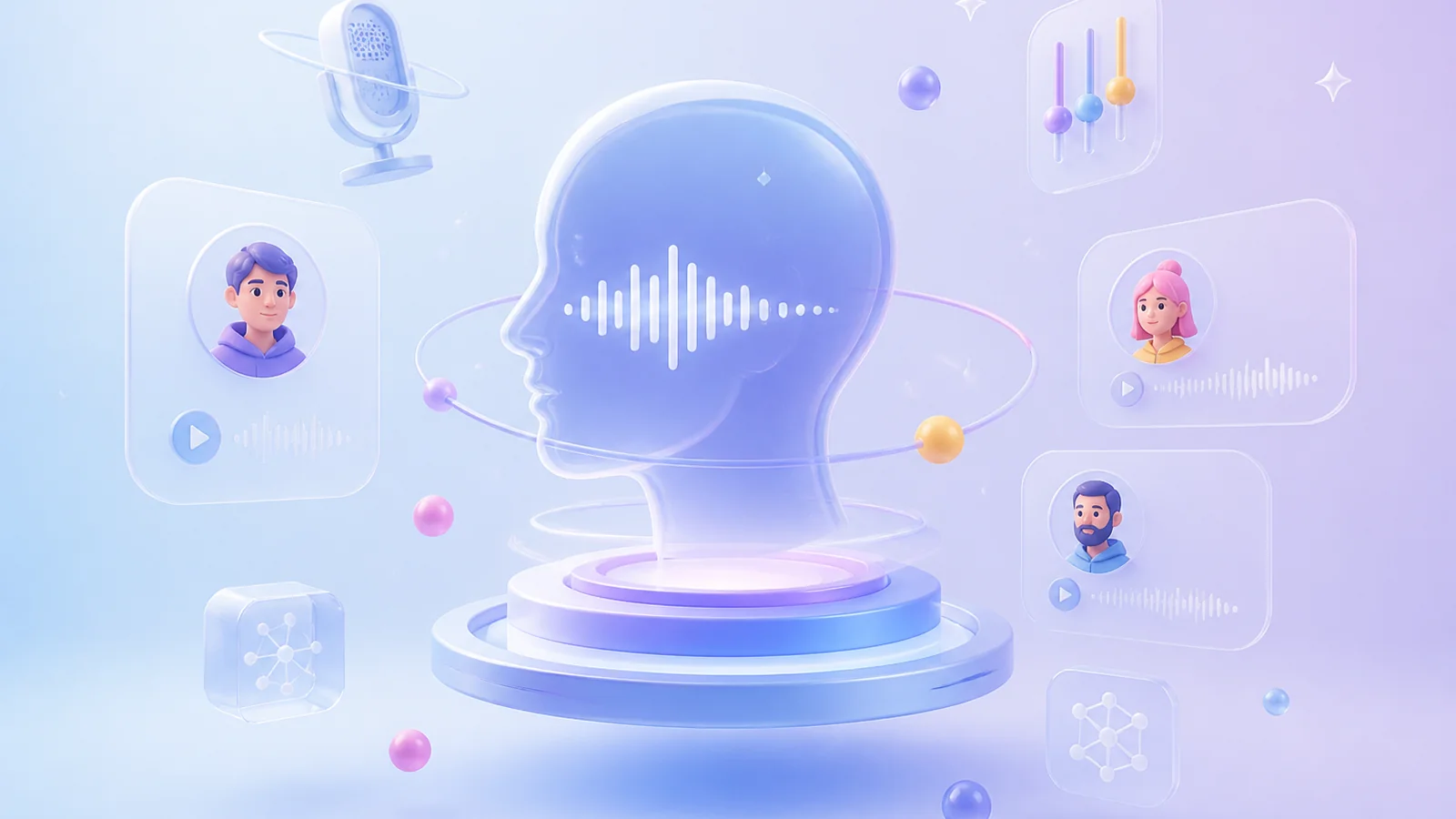
Advanced Voice Design
Create new voices or modify existing ones using simple text prompts to define specific vocal characteristics. You can describe the desired age, gender, emotion, and style to generate a perfectly tailored voice for audiobooks, podcasts, or character narration in seconds.
Offline Advantages
Reliable Offline Text to Speech on Mac
Enjoy uninterrupted audio generation with a powerful text to speech engine that runs entirely on your local machine. This native Mac solution ensures you can convert documents into high quality speech anytime without relying on internet connectivity or cloud servers.
Complete Data Privacy and Security
Your sensitive documents and personal texts never leave your device since all processing happens locally. This zero data transmission approach ensures absolute confidentiality for any content you choose to convert without any risk of external exposure or cloud leaks.
Instant Processing Without Queues
You will never face waiting lines or server congestion because the conversion runs entirely on your local machine. The text to speech speed depends solely on your chosen TTS model and hardware specifications so you get immediate results without being bottlenecked by shared cloud resources or peak hour traffic.
True Offline Independence
The entire conversion process operates completely offline once you have downloaded the necessary models and voice resources. You can generate high-quality audio anywhere without an active internet connection, making it perfect for travel, remote locations, or any situation where network access is unavailable or unreliable.
Unlimited Conversion Freedom
You can convert as much text as you need without worrying about character limits or usage caps. Batch processing allows you to handle single documents or multiple files at once, so you have complete flexibility to generate audio for any project size without artificial restrictions.
Use Cases
From Text to Audio in Real Life
This text to voice app is designed to fit seamlessly into your daily routines and professional workflows. Here are the most common ways people use local text to speech to save time, protect privacy, and unlock new possibilities.
Audiobook and Podcast Production
Convert entire manuscripts or script drafts into audio without worrying about per-character fees or cloud processing queues. The unlimited batch conversion lets you generate full-length audiobooks or multi-episode podcast seasons in one sitting, giving you complete creative control over pacing and revisions without external dependencies.
Study and Research on the Go
Turn dense textbooks, research papers, or lecture notes into portable audio for commuting, gym sessions, or library study blocks. Since everything runs offline, you can review sensitive academic materials or proprietary data without uploading them to third-party servers, and never lose access when Wi-Fi drops.
Accessibility and Personal Productivity
Create custom audio versions of articles, emails, or personal documents for multitasking or accessibility needs. Whether you want to listen to long-form content while cooking or need an alternative way to consume text due to visual fatigue, the instant local processing means you get results immediately without waiting for cloud responses or hitting usage limits.
Highlights
Why TTSFree Stands Out
Beyond offline processing and unlimited usage, TTSFree AI delivers practical refinements that make daily workflows smoother.
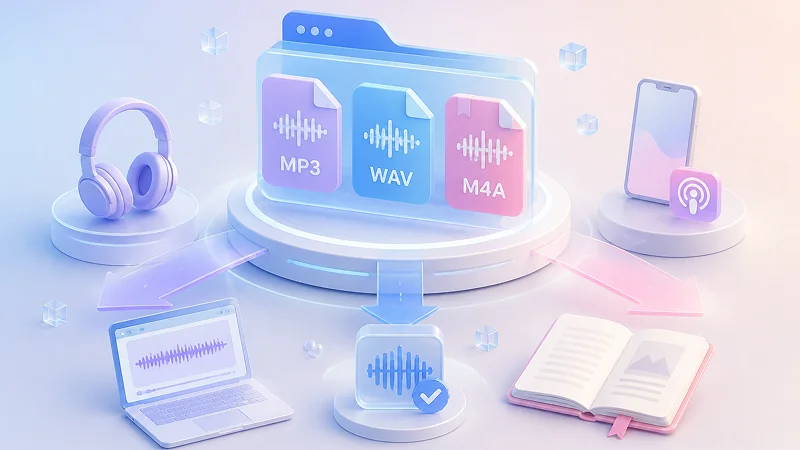
Flexible Audio Export Formats
Generate audio directly in MP3, WAV, or M4A/M4B without needing third-party conversion tools. The dedicated M4B output includes proper chapter markers and metadata for seamless integration with Apple Books, Audible, and other audiobook players, while WAV preserves lossless quality for professional editing and MP3 keeps file sizes small for quick sharing.
Multi TTS Model Support
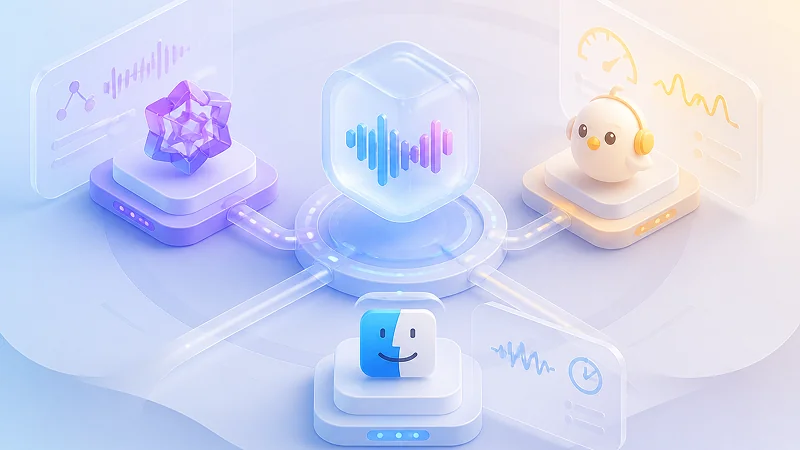
Choose the engine that fits your current task. TTSFree AI includes QWen3-TTS (0.6B/1.7B) for professional-grade text-to-audio, Kokoro-82M for a lightweight balance of quality and speed, and the native macOS built-in TTS engine for instant zero-latency output. Switch between models anytime to match your need for either polished production audio or rapid real-time generation.
Wide Language Support
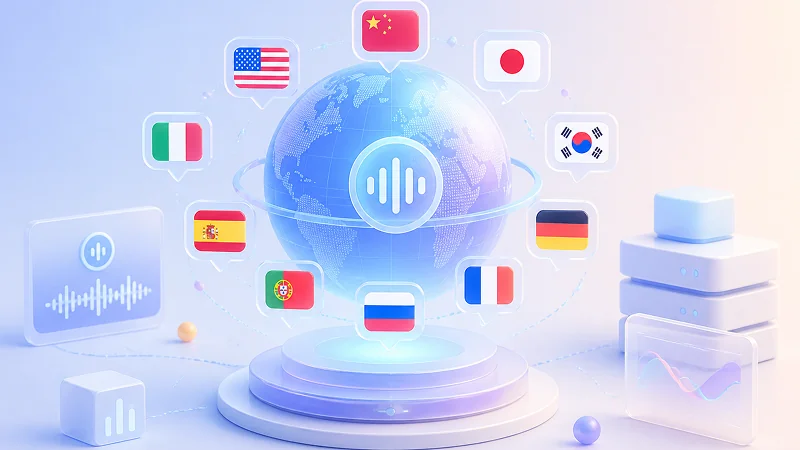
Language availability varies by model, but all major languages are fully covered across our engine lineup. Chinese, English, Japanese, Korean, German, French, Russian, Portuguese, Spanish, and Italian are supported universally, so you can generate natural-sounding speech in your target language regardless of which TTS model you choose.
Optimized for Everyday Hardware
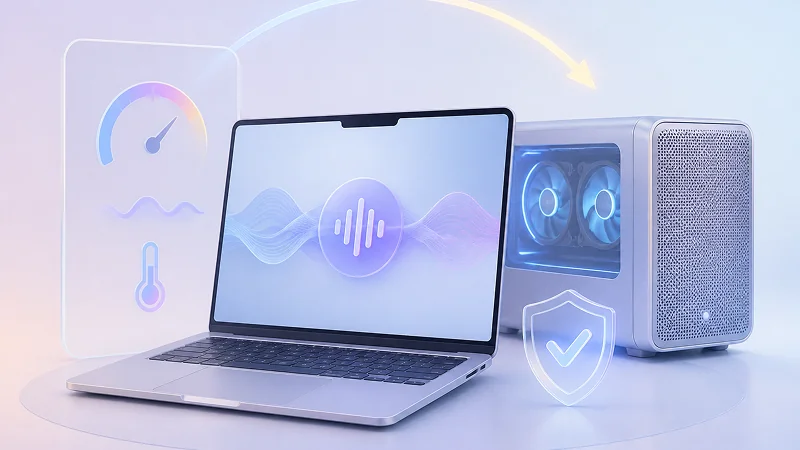
Models like QWen3-TTS typically demand high-end GPUs and extensive memory, but we have reengineered the inference pipeline to run smoothly on standard consumer hardware. Most modern MacBooks and desktops can now generate professional-quality audio locally without overheating, excessive fan noise, or the need for expensive dedicated graphics cards.
Specifications
Technical Specifications
Check the minimum hardware requirements and supported operating systems to ensure smooth local TTS performance on your Mac.
Hardware Compatibility
- Processors (CPU): Intel and Apple Silicon processors
- Graphics (GPU): Integrated GPU via Metal (Apple Silicon or Intel Iris Graphics)
Operating Systems
- macOS: macOS 13 (Ventura) or later
- Architecture: 64-bit Universal Binary for Apple Silicon & Intel Macs
Step-by-Step Guide
How to Convert Text to Speech on Mac
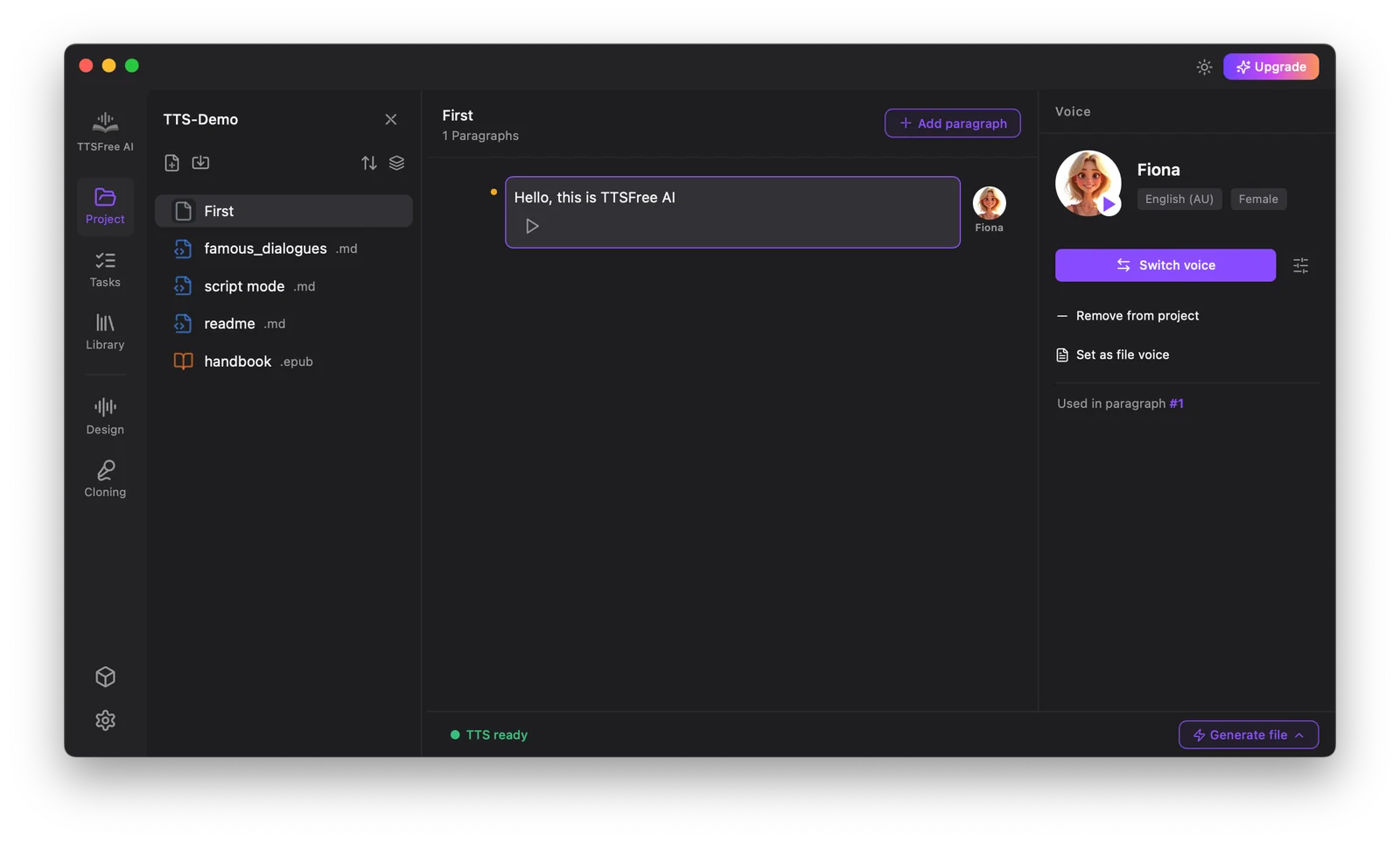
Turning written text into natural-sounding audio on your Mac takes just a few simple steps with TTSFree AI.
FAQ
Frequently Asked Questions About Text to Speech on Mac
Find clear answers about using TTSFree AI on macOS.
Is there a free trial available for new users?
Yes. TTSFree AI offers a full-access 7-day free trial so you can test all features before subscribing. No credit card is required to start the trial period.
What document formats does the app support?
You can create new plain text projects directly in the app or import TXT, PDF, EPUB, DOCX, PPTX, MD, HTML, and SRT files for instant text to speech conversion.
Can I use generated audio commercially?
All audio created during an active subscription or trial is royalty free for podcasts, videos, eLearning modules, and audiobooks without additional licensing fees.
Does the app work offline?
Yes. Once voices are downloaded within the app, you can generate speech entirely offline. Audio files save locally to your Mac and remain accessible without an internet connection.