TTSFree AI
Free, Unlimited Text to Speech Software with 200+ AI Voices
TTSFree AI is the text to voice software that lets you convert entire documents into natural-sounding audio with expressive AI voices. No character limits. No waiting in line. Just fast, unlimited text to speech right from your desktop.

Ella

Ryan

Grace

Victor

Ethan

Chloe

Sophie

Hannah

Ivy

Marcus

Manon

Olivia

Peter

Dipa

Riccardo

David
Core Advantages
Why Choose a Desktop Text to Speech Program Over Online Tools?
Online text to speech tools work well for short clips and quick previews. A desktop program is simply built for a different kind of workflow, one that involves full documents, sensitive content, or regular use. Here are the practical advantages that make dedicated software the better fit for those needs.
Offline TTS for 100% Privacy Protection
Your text or documents never leave your computer when you use TTSFree AI. There is no cloud upload, no third-party server storage, and no risk of sensitive content being exposed during transmission. This makes local processing the reliable choice for any material you want to keep it private.
Unlimited Text to Audio Without Character Limits
The text to speech app does not impose arbitrary caps on how much text you can convert at once. You can process an entire novel, a full research paper, or a lengthy report in a single session without splitting it into fragments. The only limit is your storage space, not an artificial counter.
Bulk Conversion for Multiple Files
Instead of converting documents one by one, you can open entire folders and let the TTS app handle the rest. Batch processing turns hours of repetitive clicking into a single automated workflow, complete with consistent naming and output formatting. It is the difference between manual labor and true productivity.
No Queues or Server Dependencies
Online TTS tools often slow down during peak hours or require you to wait in line before processing begins. A desktop application runs entirely on your own hardware, so conversion starts instantly and proceeds at full speed regardless of time of day or internet traffic. You get predictable, consistent performance every single time.
Supported Formats
What Formats Does the Text to Voice Software Support?
TTSFree AI works with the files you already have, so there is no need to convert or reformat anything before you start. Just open your document and press generate.
Plain Text
TXT


EPUB
DOCX

PPTX

HTML
MD
Subtitles
Script
Voice Features
How Do the AI Voices Sound and Can I Customize Them?
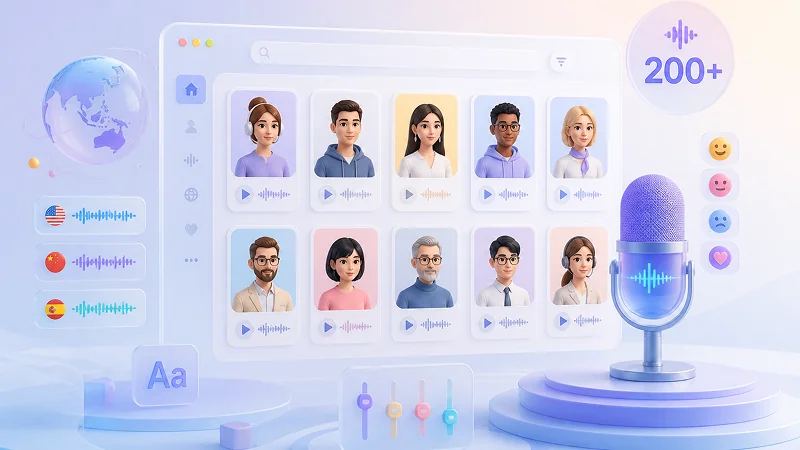
This free text to speech software gives you built-in AI voices plus access to additional voices from leading TTS engines. You can also create your own custom voice through voice design or voice cloning.
200+ Natural Built-In AI Voices
Choose from over 200 ready-to-use voices across dozens of languages and accents. Each voice is tuned for natural pacing and clear pronunciation without extra editing.
Realistic Voices from Top TTS Engines
Access high-quality voices from the open-source Kokoro engine alongside the native TTS voices already installed on your Windows or Mac. This gives you a wide range of reliable, offline-capable options without needing external API keys or cloud services.
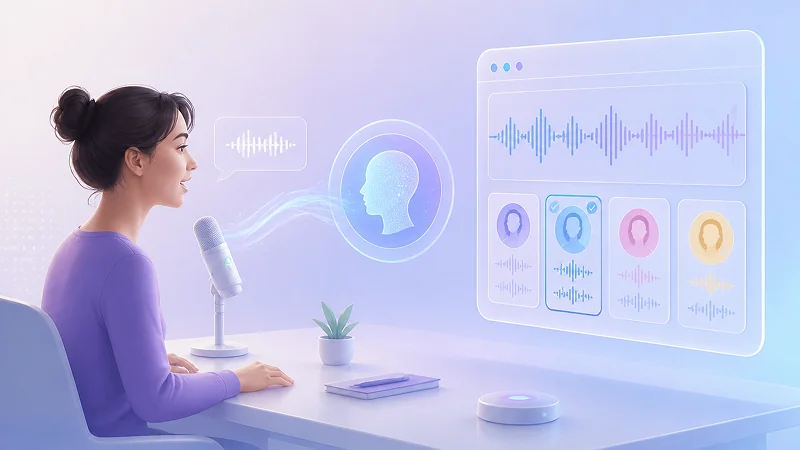
Instant AI Voice Cloning
Clone any voice by simply reading a short prompt displayed on screen. No audio uploads or lengthy training required. The system captures your vocal characteristics in real time and generates a usable clone within seconds.
Prompt-Based AI Voice Design
Create or refine voices entirely through text prompts. Describe the tone, age, emotion, or speaking style you want, and the AI will generate a new voice or adjust an existing one to match your description, giving you precise creative control without manual parameter tweaking.
Audio Formats
What Audio Formats Can I Export?
This free text to audio software lets you save your projects in the exact format you need, whether you are publishing an audiobook, editing a podcast, or just sharing a quick voiceover. All exports are high quality and ready to use without extra conversion steps.
MP3 for Universal Compatibility
Get small file sizes with great sound quality that plays on literally any device or platform. It is the perfect default choice for social media videos, website audio, and quick drafts where you need fast uploads and broad support.
WAV for Professional Editing
Export uncompressed lossless audio when you plan to do further mixing in DAWs like Audacity, Premiere, or Logic Pro. This format preserves every detail of the AI voice so you can apply effects, EQ, and mastering without generational quality loss.
M4A & M4B for Audiobooks and Podcasts
Use M4A for efficient high-quality playback on Apple devices and modern podcast platforms. Choose M4B specifically for audiobooks since it supports chapter markers, bookmarks, and metadata that let listeners navigate long-form content easily.
TTS Engines
What TTS Engines Power This Software?
TTSFree AI integrates multiple advanced engines so you can choose the perfect balance of quality, speed, and hardware compatibility. You can use a single engine or combine several within one project to match each section with the ideal voice.
QWen3-TTS for Studio-Quality Expressiveness
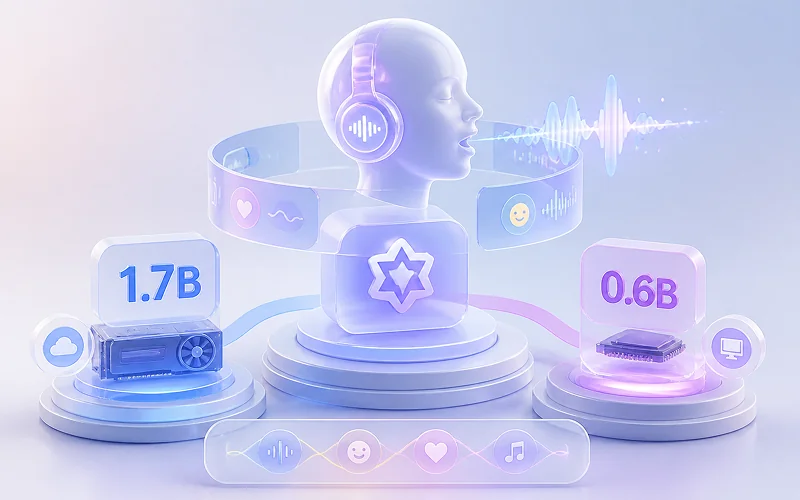
Available in 1.7B and lightweight 0.6B versions, this model delivers human-like intonation, emotional nuance, and natural rhythm. The 1.7B version is ideal for professional narration and long-form content on GPU-equipped machines, while the 0.6B version runs smoothly on CPU or low-end hardware entirely offline without sacrificing clarity.
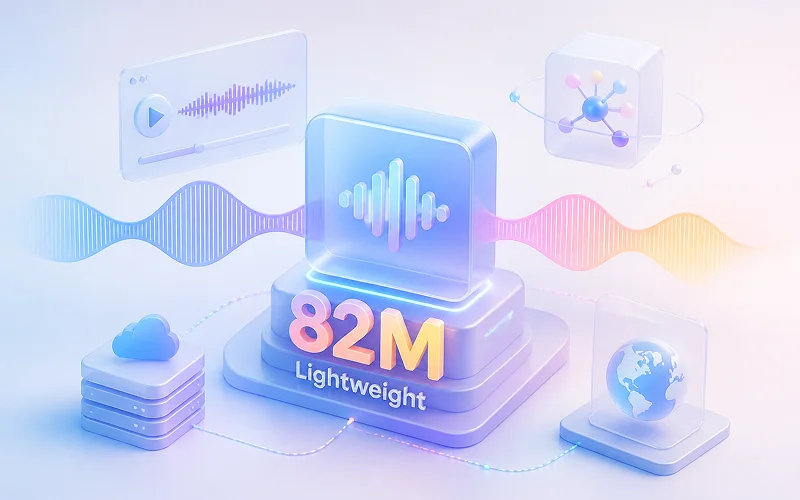
Kokoro-82M for Lightweight Efficiency
Generate high-quality audio with minimal resource overhead, making it perfect for rapid prototyping, batch processing, or real-time applications. Despite its compact footprint, it maintains clear articulation and consistent pacing, and supports optional G2P dictionaries for accurate pronunciation across languages without requiring a dedicated GPU.
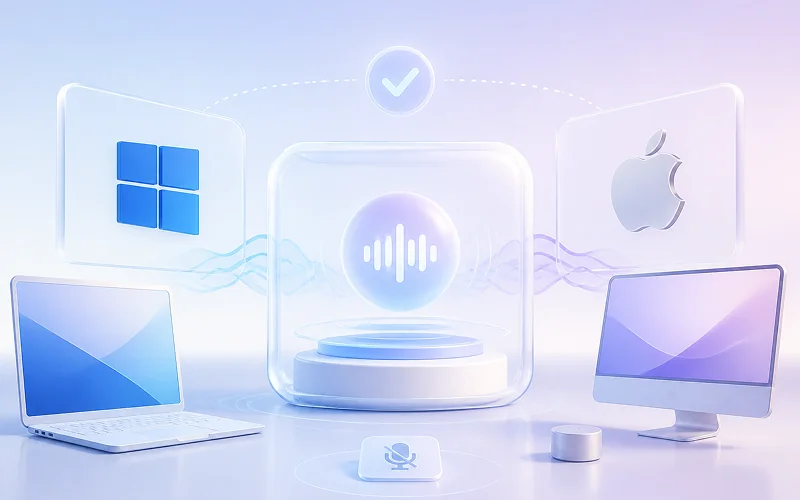
Native Windows & macOS Built-In Voices
Leverage the TTS voices already installed on your operating system for zero-setup, instant offline playback with no external dependencies. These voices provide immediate compatibility and stable performance, making them a dependable choice for accessibility features, local testing, or scenarios where simplicity and speed take priority over stylistic customization.
Multi-Engine Workflow
Assign different engines to separate paragraphs, characters, or sections within a single document. Seamlessly blend QWen3’s expressiveness, Kokoro’s speed, and native OS voices in one export without manual audio stitching.
Specifications
System Requirements & Technical Specifications
This software is engineered to run efficiently across a wide range of hardware configurations. Whether you are working on a high-end workstation or a standard laptop, you can find an engine and workflow that fits your setup perfectly.
Supported Operating Systems
- Windows 10 / 11
- macOS 13+ Ventura or later
Supported Hardware
- CPUs: Intel & AMD (x86_64)
- GPUs: NVIDIA (CUDA), AMD (ROCm), Intel Arc — for accelerated inference
- Apple Silicon: M1 through M4 chips, optimized via Metal
Ready to Generate Natural Audio from Text?
Download the text to speech software for Windows and macOS today. No sign-up, no credit card, and no internet connection required. Get studio-quality AI voices running locally on your machine in under two minutes.
How It Works
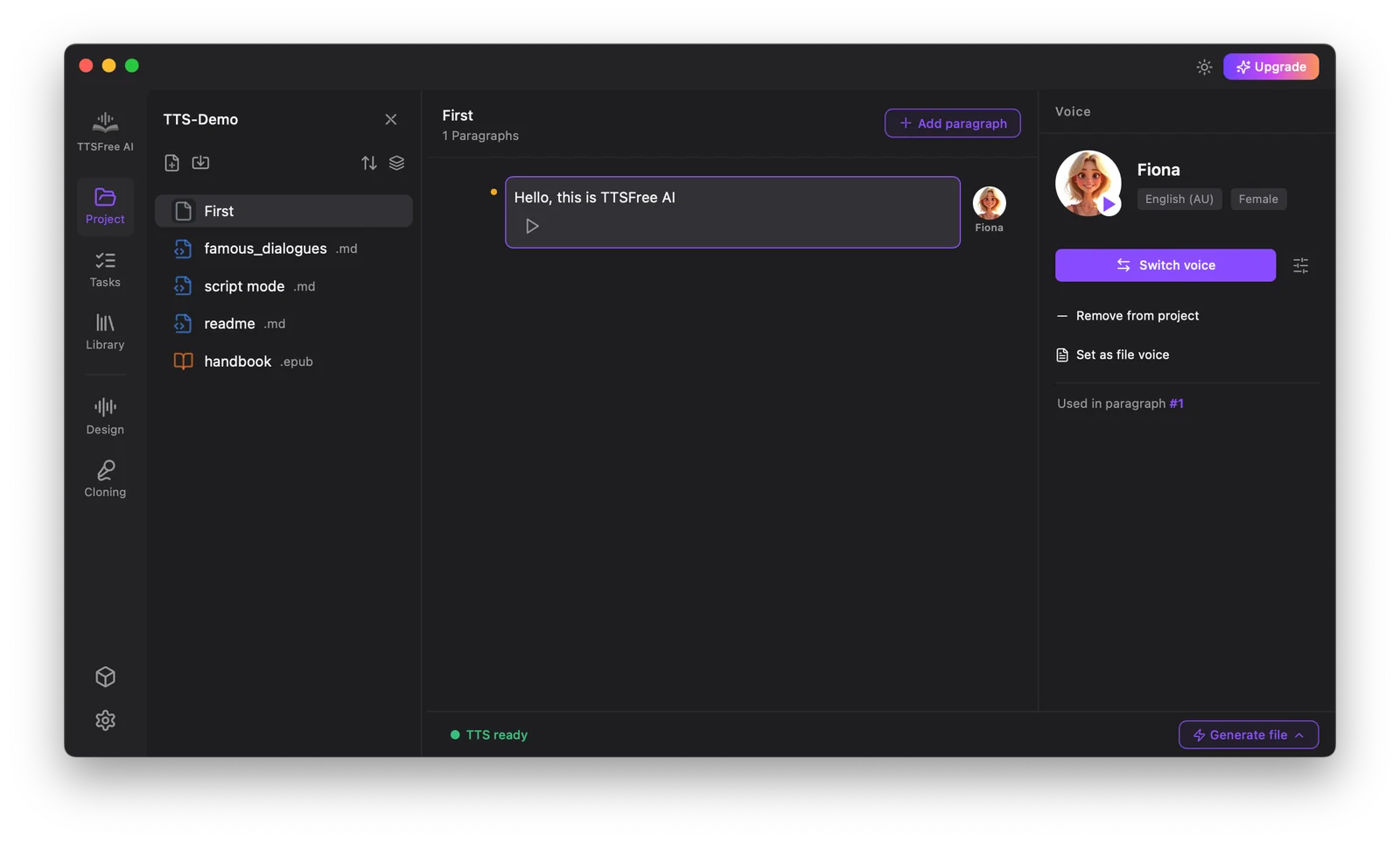
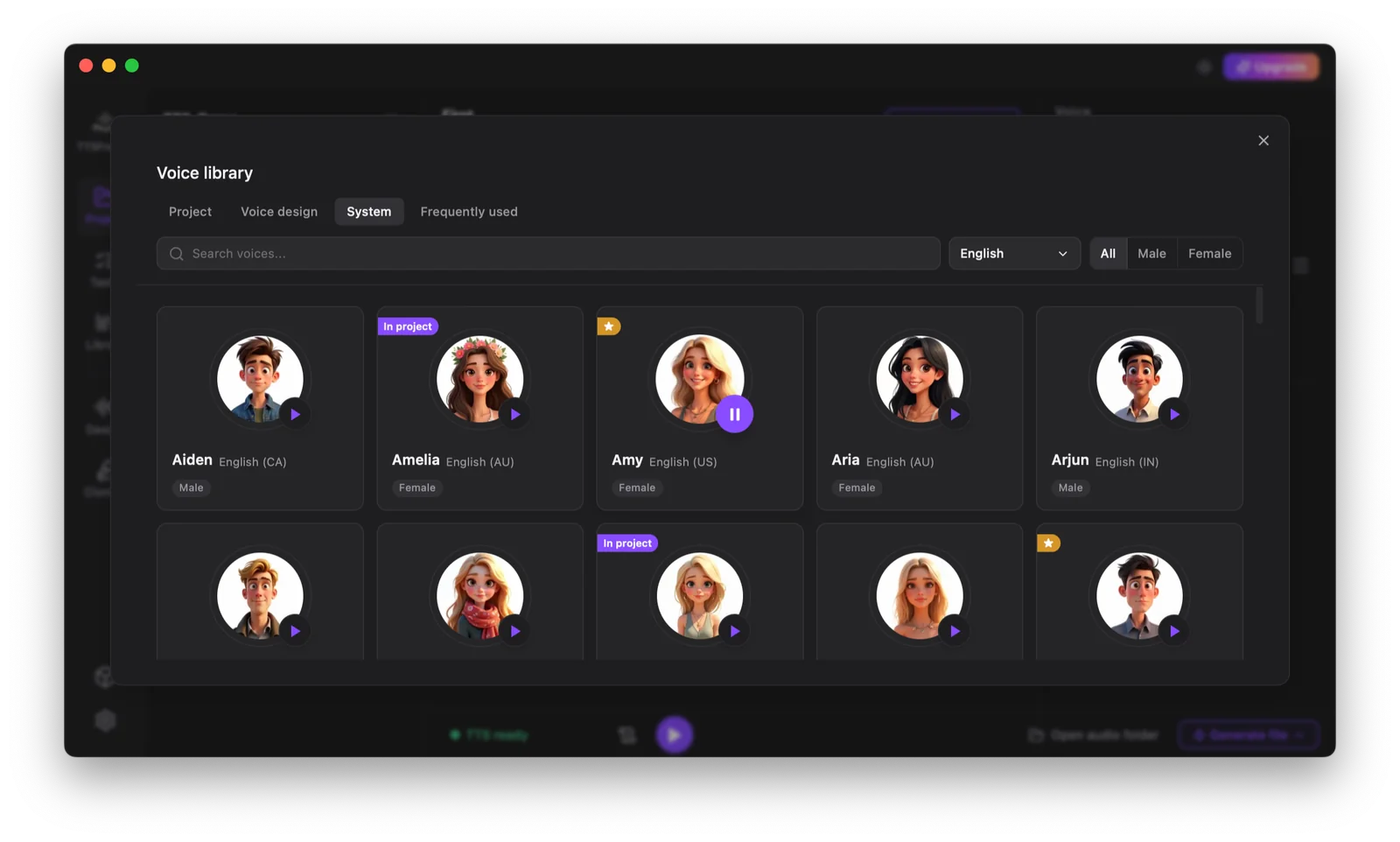
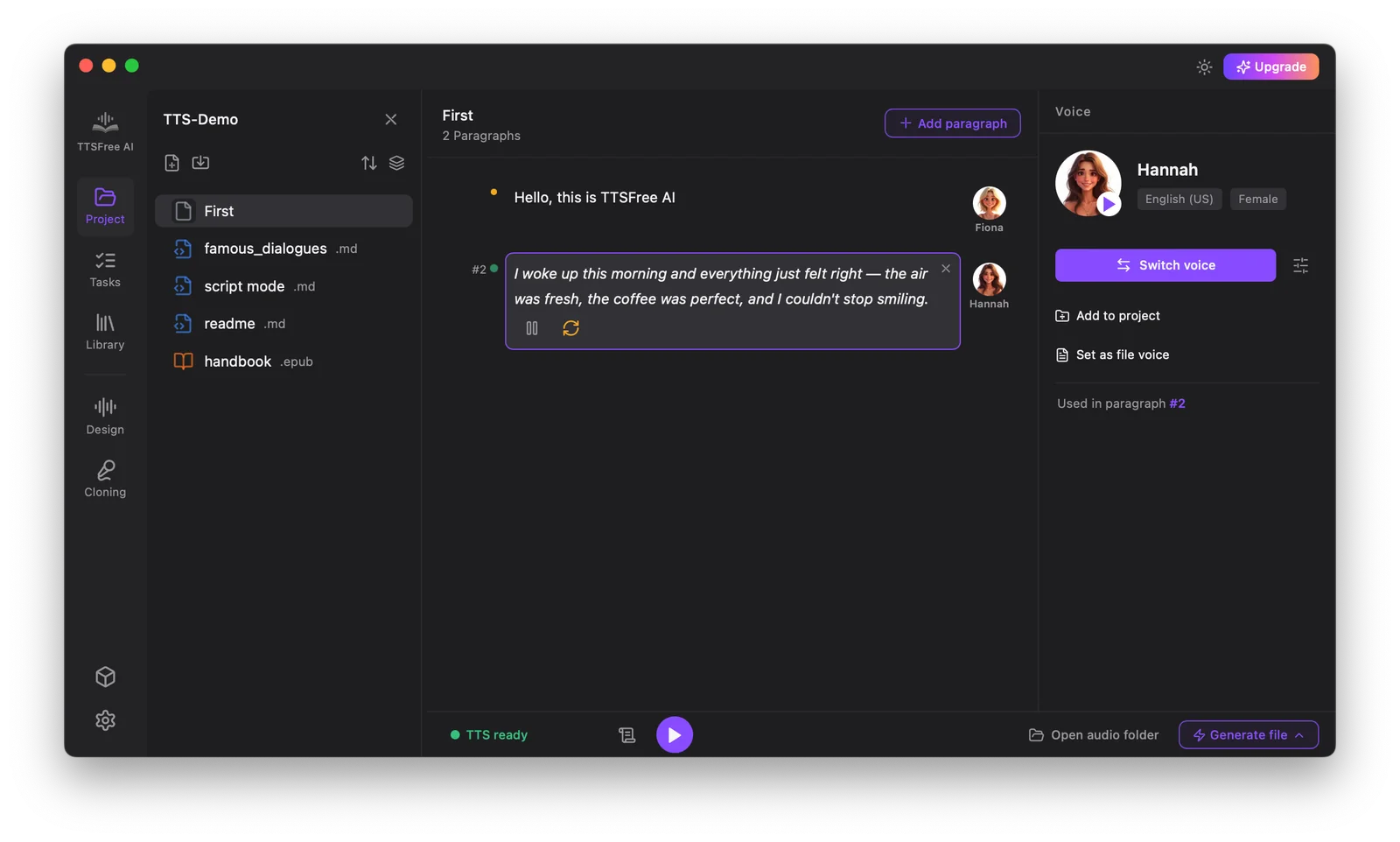
How to Convert Text to Speech on PC or Mac
Getting started takes less than a minute. Follow these three simple steps to generate your first audio file.
FAQ
Frequently Asked Questions
Got questions about TTSFree AI? Here are answers to the things people ask us most often.d Questions
Is this really free to try for seven days?
Yes. You get full access to every feature and voice for a complete week without entering any payment details. After the trial ends, you can choose a plan that fits your needs or simply stop using it with no charges at all.
Can I use the generated audio for commercial projects?
Absolutely. Any audio you create during your active subscription is yours to keep and use commercially. This includes YouTube videos, podcasts, eLearning courses, audiobooks, and client work. Just make sure your subscription is active when you generate the file.
Do I need an internet connection to generate speech?
No. All voice synthesis happens locally on your computer once the app and voice models are installed. You only need internet access to download the software initially, grab new voices, or check for updates. Your text and audio never leave your machine.